 Banana AI
Photo to Anime Converter
Turn your photo into anime art in seconds.
A photo to anime converter does more than apply a filter. Banana AI analyzes your facial features and rebuilds them in anime art style, capturing the expressive eyes, clean line work, and stylized detail that make anime portraits look authentic. Whether you want a shonen action hero version of yourself, a soft and painterly Ghibli-inspired look, or a moody dark fantasy character, you describe what you want and the AI handles the rest. The results are high resolution and ready to use anywhere.
Turning your photo into anime is one of the most requested creative uses of AI image generation, and for good reason. It gives you a version of yourself that feels personal and creative without requiring any drawing skill or design experience. You upload your photo, pick a direction, and walk away with a portrait that actually looks like you interpreted through an anime lens. Profiles, wallpapers, gifts, and social media avatars all become more interesting with a well-made anime conversion.
Generate Stunning
Photo to Anime Converter
Turn your photo into anime art in seconds.
👥 250,000+ users already creating with Banana AI
On your phone? Get the Banana AI app
How to create Photo to Anime Converter with Banana AI
- 1
Upload your photo
Upload a clear, well-lit photo of your face. A front-facing photo works best.
- 2
Pick your anime style
Choose from classic shonen, soft Ghibli-inspired, dark fantasy, or describe your own look.
- 3
Download your anime portrait
Get your finished anime conversion instantly. Save it, share it, or use it as your profile picture.
Best input photos: Upload 1-3 clear, well-lit photos of your face looking toward the camera. Avoid heavy shadows or obstructions.
Prompt ideas for anime portraits
Copy a prompt, upload your photo in Banana AI and pick Nano Banana 2. Change the age, outfit or background words to match yourself.
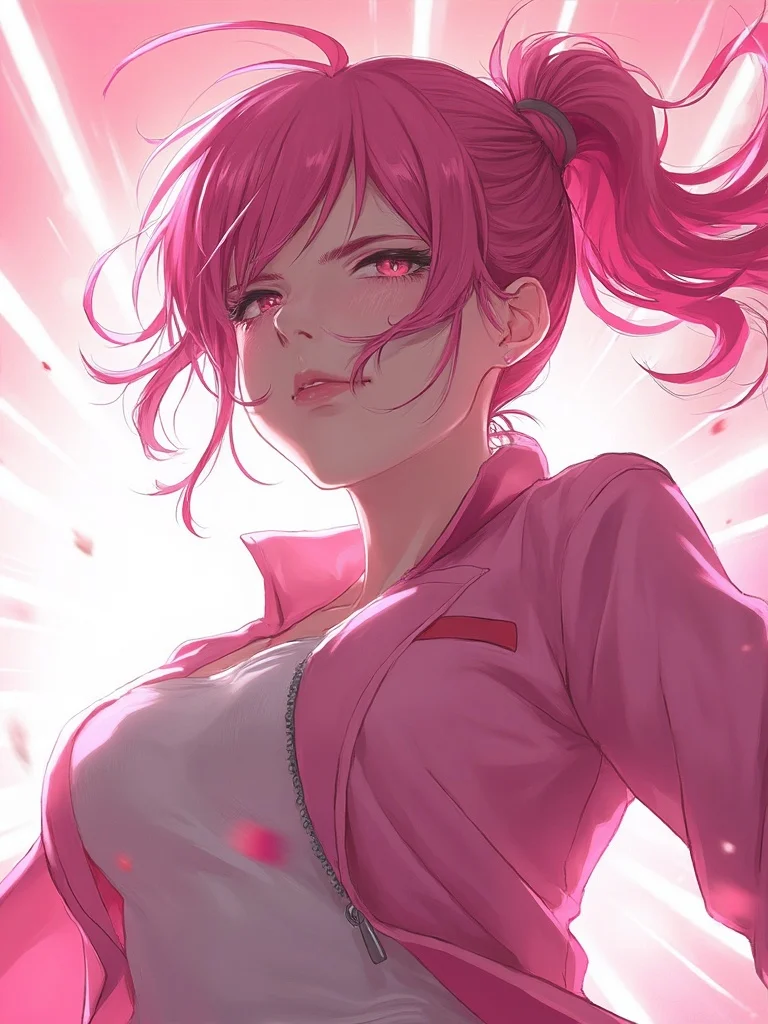
young woman, shonen anime style portrait, vibrant pink and white color palette, determined intense expression, dynamic wind-blown hair, bright studio background with light rays, sharp focus, photorealistic, professional photography
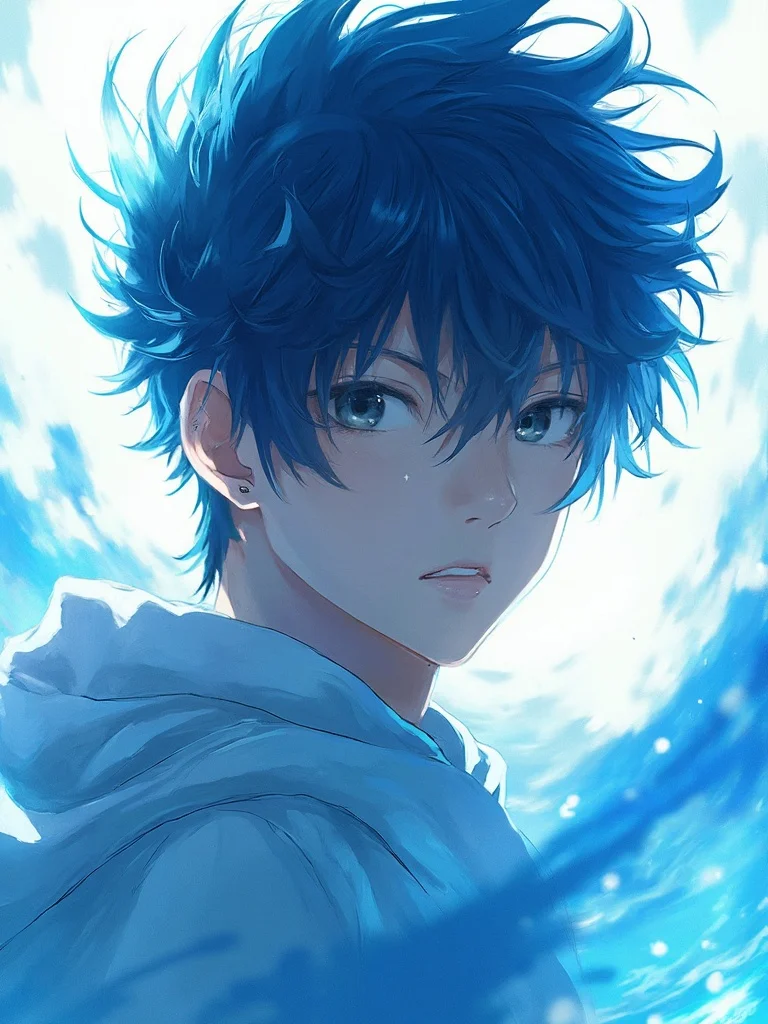
young man, shonen anime style portrait, vibrant blue and white color palette, determined intense expression, dynamic wind-blown hair, bright studio background with light rays, sharp focus, photorealistic, professional photography
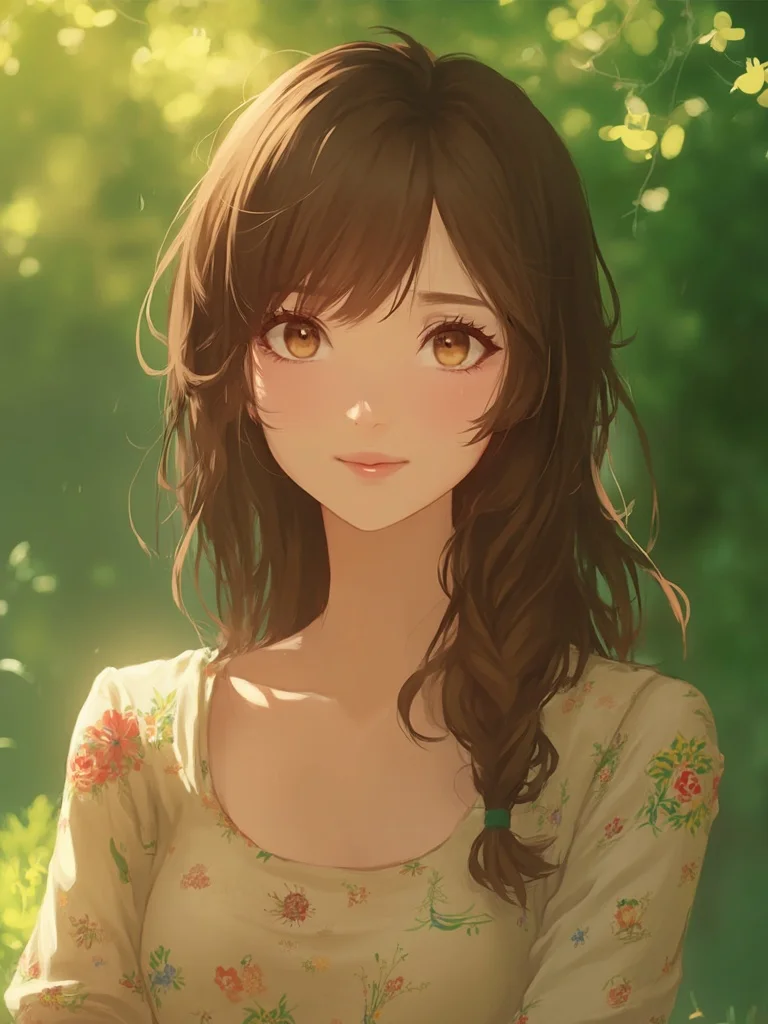
woman in her 30s, soft Ghibli-inspired anime portrait, warm golden hour outdoor light, gentle relaxed smile, blurred green forest background, natural earthy tones, floral blouse, sharp focus, photorealistic, professional photography
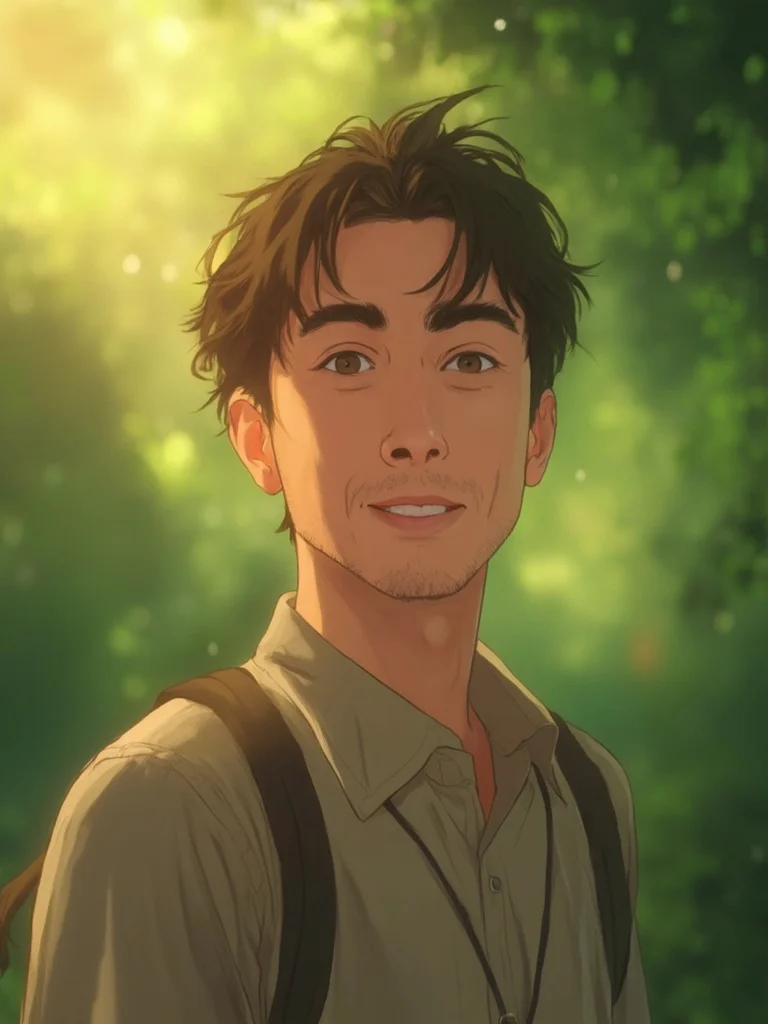
man in his 30s, soft Ghibli-inspired anime portrait, warm golden hour outdoor light, gentle relaxed smile, blurred green forest background, natural earthy tones, sharp focus, photorealistic, professional photography
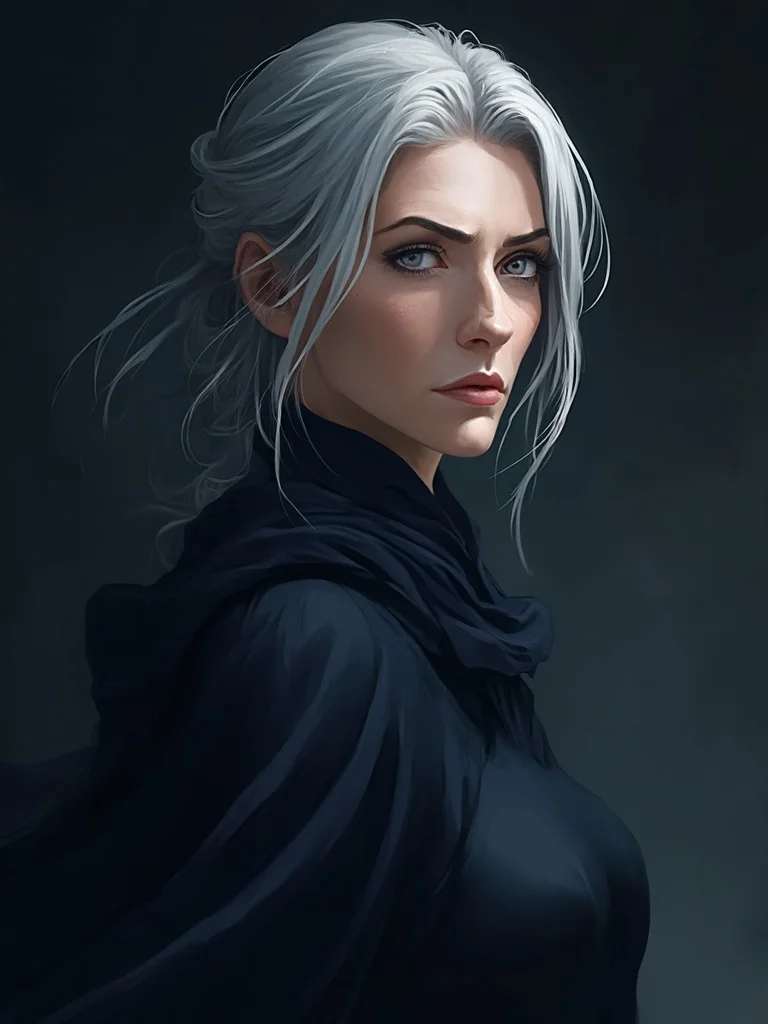
older woman, dark fantasy anime character portrait, deep navy and charcoal background, serious commanding expression, dramatic side lighting, silver streaked hair, flowing dark dress, sharp focus, photorealistic, professional photography
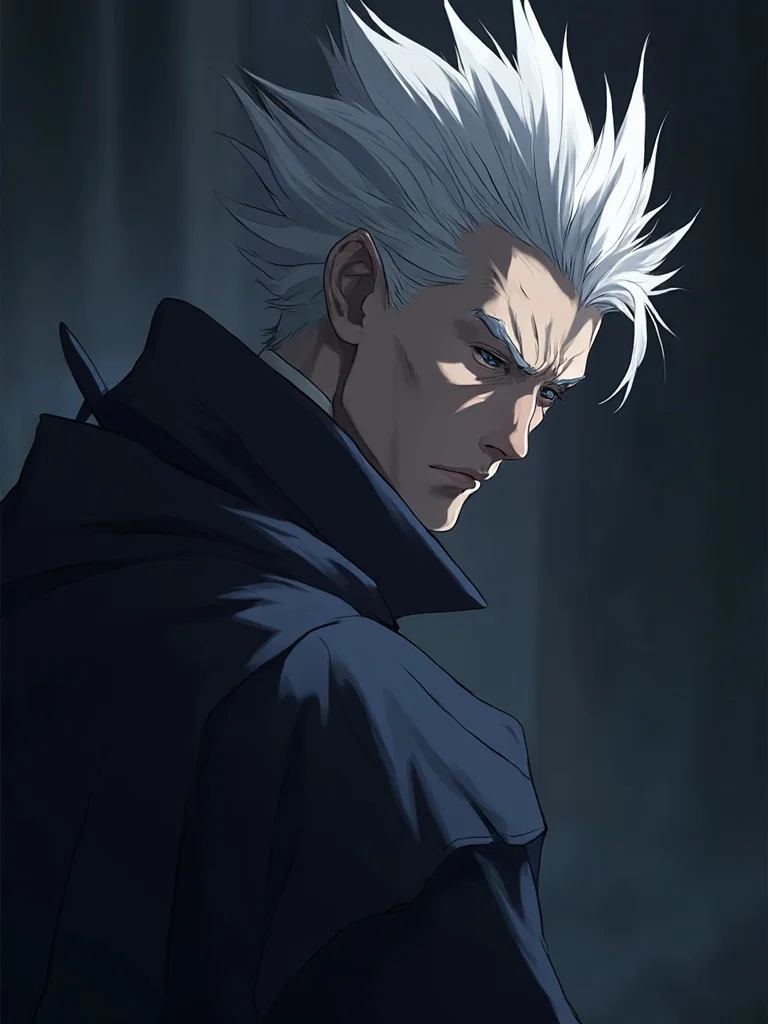
older man, dark fantasy anime character portrait, deep navy and charcoal background, serious commanding expression, dramatic side lighting, silver streaked hair, cinematic anime aesthetic, sharp focus, photorealistic, professional photography
True anime style
The AI captures anime-specific details like expressive eyes, cel shading, and stylized hair, not just a filter effect.
Results in seconds
No waiting, no queue. Upload your photo and get your anime portrait almost instantly.
Multiple styles
Generate shonen action portraits, soft pastel styles, dark fantasy characters, and more from a single photo.
Ready to share
High-resolution output sized for profile pictures, wallpapers, and social media posts.
Photo to Anime Converter: questions and answers
What kind of photo works best for the anime converter? +
A clear, front-facing photo with good lighting gives the best results. Avoid heavy shadows, sunglasses, or photos where your face is partially covered.
Can I choose different anime art styles? +
Yes. You can describe the style you want, whether that is a bright shonen look, a soft Ghibli-inspired portrait, a dark fantasy character, or something specific to a show you enjoy.
Can I turn my photo into anime and use it as a profile picture? +
Absolutely. All paid plans include full rights to use your generated images for personal and social media use, including profile pictures on any platform.
How many anime versions can I generate from one photo? +
As many as you like within your plan. Most users generate several variations with different styles and backgrounds to find the one they like most.
Do I need to know anything about anime to get good results? +
No. You can simply describe the mood or look you want in plain language. If you do know specific anime styles, you can reference those too for more precise results.
Questions about plans, credits or billing? See the Banana AI FAQ or pricing.
Turn Your Photo into Anime Art Today
More styles you might like
AI Instagram Photo Generator
Create a week of Instagram content in 10 minutes. Any location, any style, no photographer.
AI Yearbook Photo Generator
See yourself in a classic 90s yearbook photo or any decade. Goes viral every time.
Dark Academia Aesthetic AI Photo Generator
Moody, literary portrait photos in the dark academia aesthetic. No photoshoot required.