 Banana AI
AI Group Photo Generator
Professional group photos without the hassle of scheduling everyone together.
Coordinating a professional group photo session is one of the most logistically difficult things a team can do. Between scheduling conflicts, remote workers, and the cost of hiring a photographer, most teams end up with an outdated or mismatched set of headshots on their website. An ai group photo generator solves this by letting you combine individual photos into a single, cohesive portrait without anyone needing to be in the same room.
Banana AI produces group photos that look like they were taken in one session, with consistent lighting, backgrounds, and tone across every person in the image. Whether you need a team photo for a company website, a press release, a pitch deck, or a LinkedIn company page, you can upload your individual photos and have a finished group portrait ready to use in minutes.
Generate Stunning
AI Group Photos
Professional group photos without the hassle of scheduling everyone together.
👥 250,000+ users already creating with Banana AI
On your phone? Get the Banana AI app
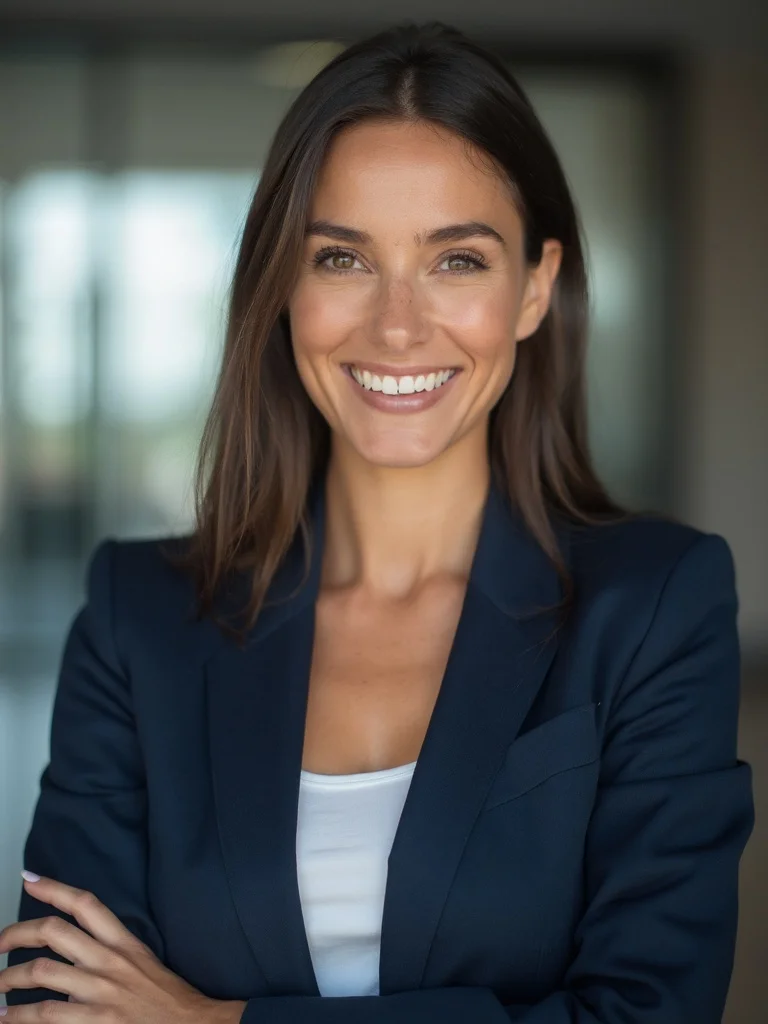

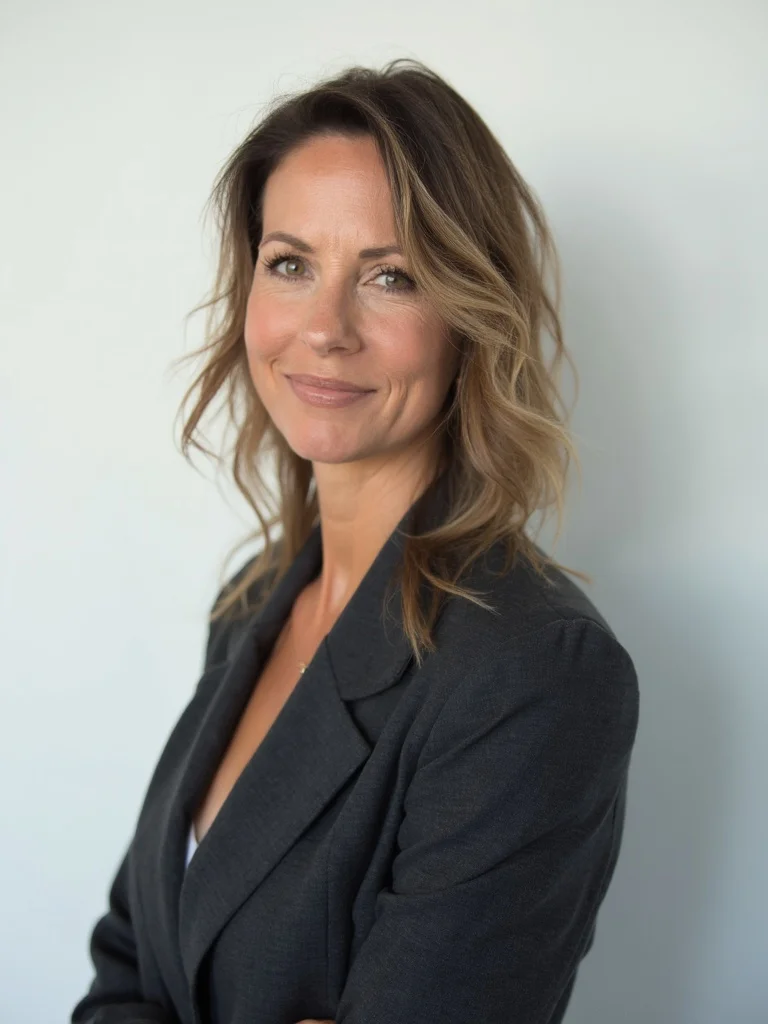
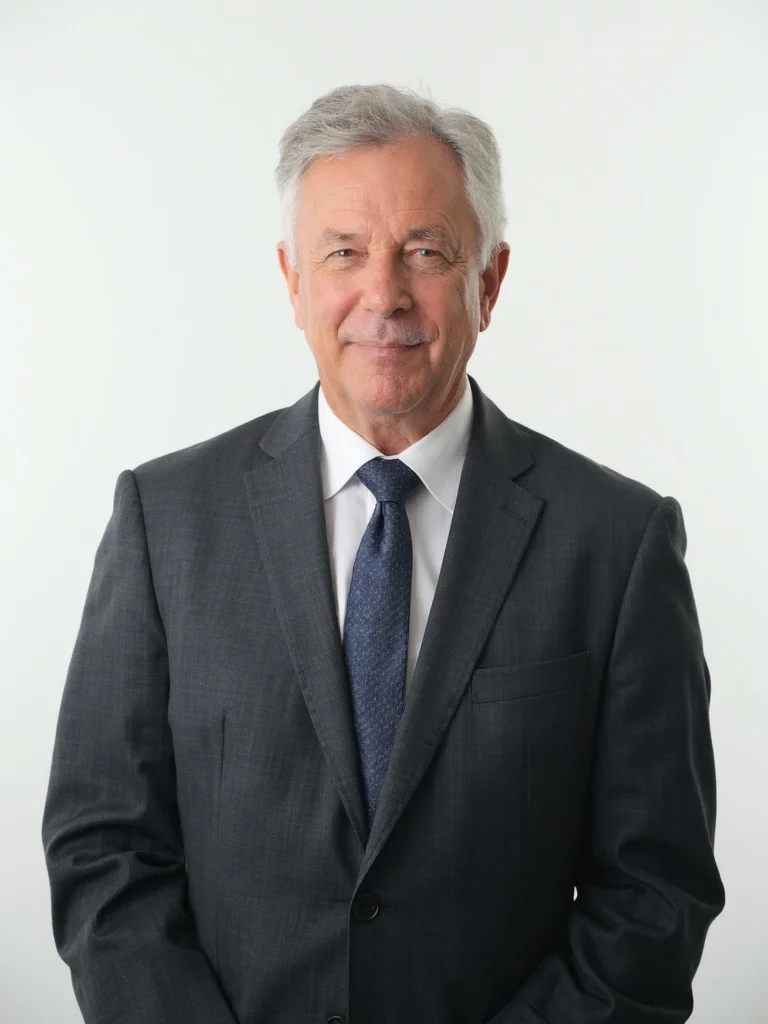
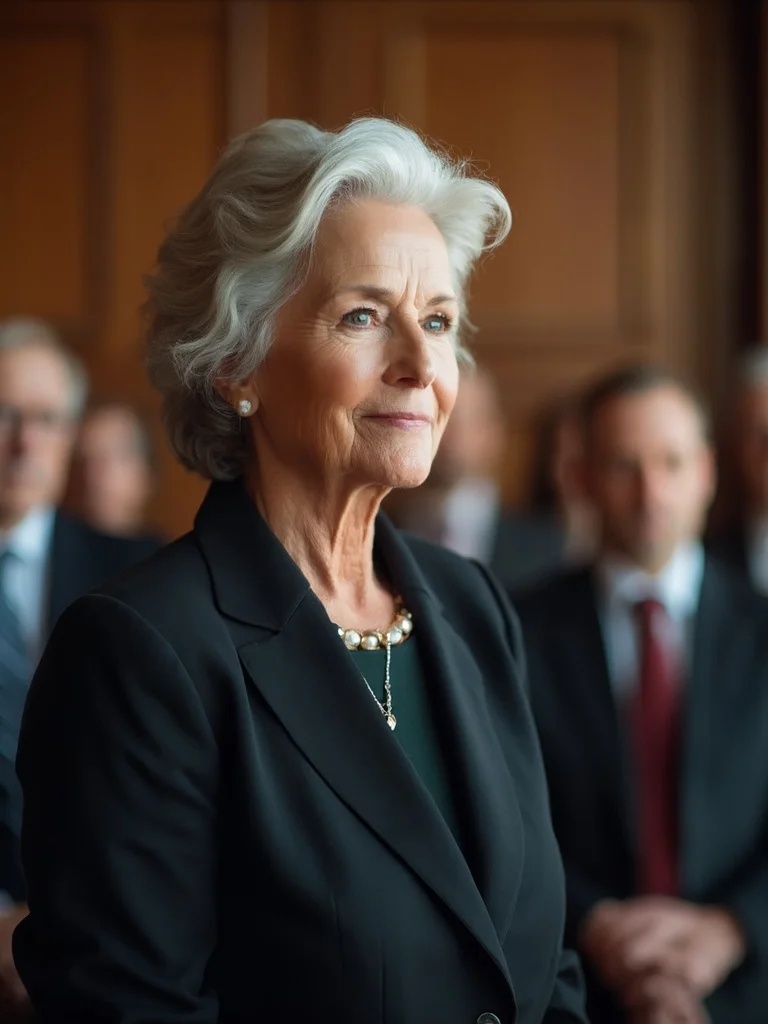
How to create AI Group Photos with Banana AI
- 1
Upload individual photos
Upload clear photos of each person you want included in the group portrait.
- 2
Choose your setting and style
Pick a background and mood, such as a modern office, outdoor setting, or clean studio look.
- 3
Download your group photo
Get a cohesive, realistic group portrait ready to use on your website, LinkedIn, or print materials.
Best input photos: Upload 1-3 clear, well-lit photos of each person. Front-facing shots with good lighting work best for the most natural-looking results.
Prompt ideas for group photos
Copy a prompt, upload your photo in Banana AI and pick Nano Banana 2. Change the age, outfit or background words to match yourself.
young woman in her mid-20s, corporate team group photo, modern open-plan office background blurred, smart navy blazer, confident smile, soft even studio lighting, sharp focus, photorealistic, professional photography
young man in his mid-20s, corporate team group photo, modern open-plan office background blurred, smart navy blazer, confident smile, soft even studio lighting, sharp focus, photorealistic, professional photography
woman in her 40s, professional group portrait, clean white studio background, tailored charcoal blazer, serious composed expression, flat diffused lighting, sharp focus, photorealistic, professional photography
man in his 40s, professional group portrait, clean white studio background, charcoal suit and tie, serious composed expression, flat diffused lighting, sharp focus, photorealistic, professional photography
older woman in her 60s, formal business group photo, warm wood-paneled boardroom background blurred, elegant dark blazer, distinguished relaxed expression, soft window light from the side, sharp focus, photorealistic, professional photography
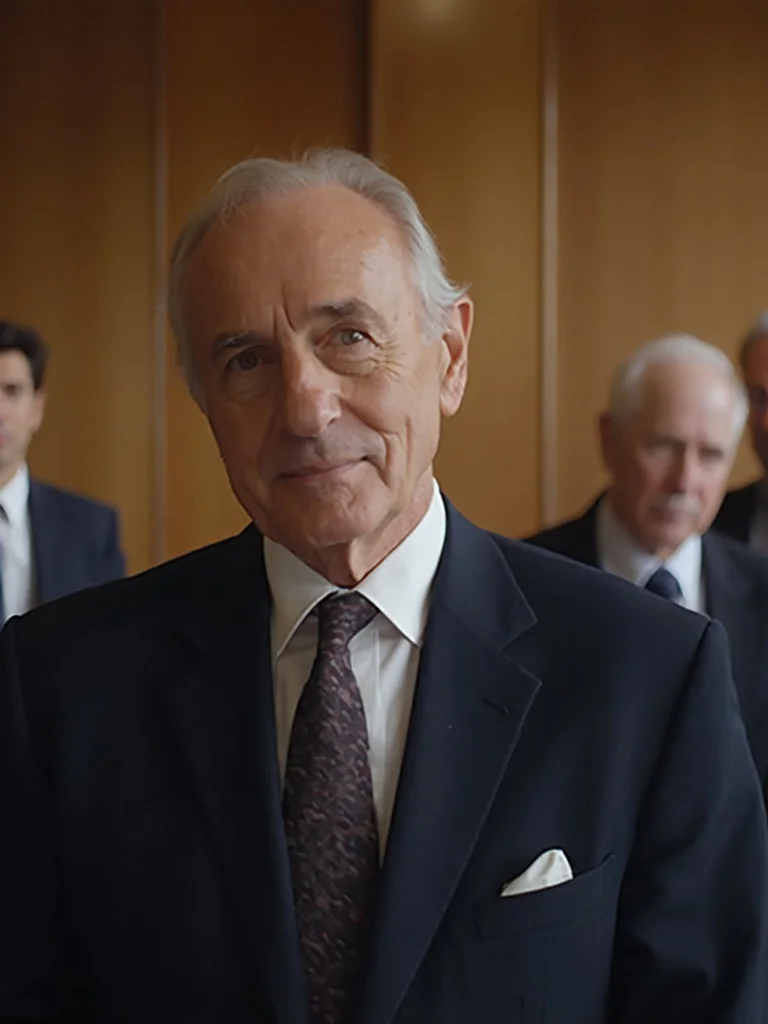
older man in his 60s, formal business group photo, warm wood-paneled boardroom background blurred, dark suit, distinguished relaxed expression, soft window light from the side, sharp focus, photorealistic, professional photography
No scheduling headaches
Stop trying to find one time that works for everyone. Generate a group photo from photos taken at different times.
Results in minutes
No photographer, no studio booking, no waiting for edited files. Download your group photo right away.
Consistent style
Everyone looks like they were shot in the same session with the same lighting and background.
Ready for any use
Use your group photo on your website, team page, press kit, LinkedIn company page, or printed brochures.
AI Group Photo Generator: questions and answers
How many people can I include in a group photo? +
You can generate group photos with small teams of two or three people up to larger groups. Upload a clear individual photo for each person you want included.
Do all the individuals need to be photographed in the same location? +
No. You can upload photos taken at different times and places. The AI blends everyone into a single cohesive scene with consistent lighting and background.
What backgrounds can I use for the group photo? +
You can choose from office environments, outdoor settings, plain studio backdrops, or describe a custom background when generating your photo.
Can I use these photos for our company website or marketing materials? +
Yes. All paid plans include full commercial rights, so you can use your group photos on websites, social media, presentations, and printed materials.
Questions about plans, credits or billing? See the Banana AI FAQ or pricing.
Generate Your Group Photo Today
More styles you might like
AI Real Estate Agent Headshot Generator
Get professional headshots that win more listings without the $400 photography session.
AI Professional Headshot Generator
Studio-quality professional headshots generated from your phone photos in under a minute.
AI LinkedIn Headshot Generator
Professional headshots for your LinkedIn profile, without the photographer.