 Banana AI
AI Pose Generator
Get natural, flattering poses in any photo without a photographer coaching you.
Posing for photos is a skill most people never develop. Whether you freeze up in front of a camera or just never know what to do with your arms, the result is the same: photos where you look uncomfortable or stiff. An AI pose generator solves that by letting you describe the look you want and applying it to your photo automatically. You get a natural, confident pose without anyone directing you on set.
The AI pose changer feature goes a step further by letting you take a photo you already have and rework the posing in it. Fix an awkward angle, open up a closed-off stance, or shift from a formal position to something more relaxed. Upload your photo, describe what you want, and download a result that looks like it was captured that way from the start.
Generate Stunning
AI Pose Generator
Get natural, flattering poses in any photo without a photographer coaching you.
👥 250,000+ users already creating with Banana AI
On your phone? Get the Banana AI app
How to create AI Pose Generator with Banana AI
- 1
Upload your photo
Upload a clear photo of yourself. Any well-lit shot will work as a starting point.
- 2
Describe the pose
Tell the AI what pose you want. Standing, seated, leaning, crossed arms, hands in pockets, and more.
- 3
Download your result
Get your new photo with a natural, flattering pose ready to use immediately.
Best input photos: Upload 1-3 clear, well-lit photos where your body is visible. Full body or upper body shots work best for pose generation.
Prompt ideas for poses
Copy a prompt, upload your photo in Banana AI and pick Nano Banana 2. Change the age, outfit or background words to match yourself.
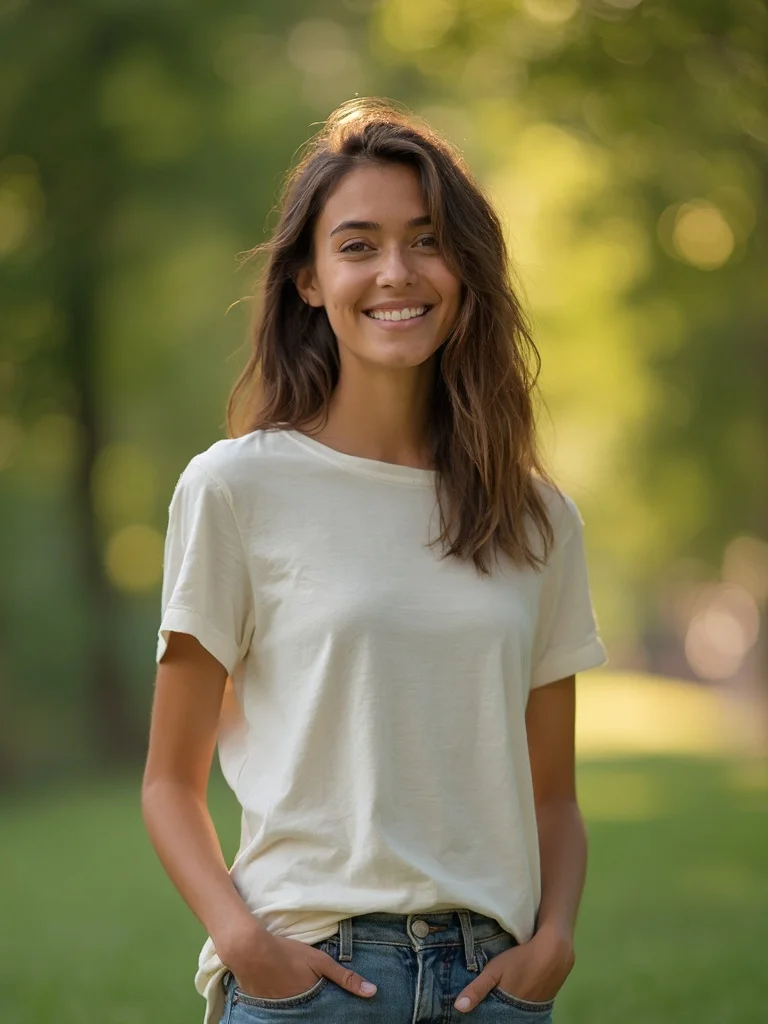
young woman, casual lifestyle portrait, hands in pockets relaxed standing pose, blurred green park background, warm golden hour light, easy confident expression, sharp focus, photorealistic, professional photography
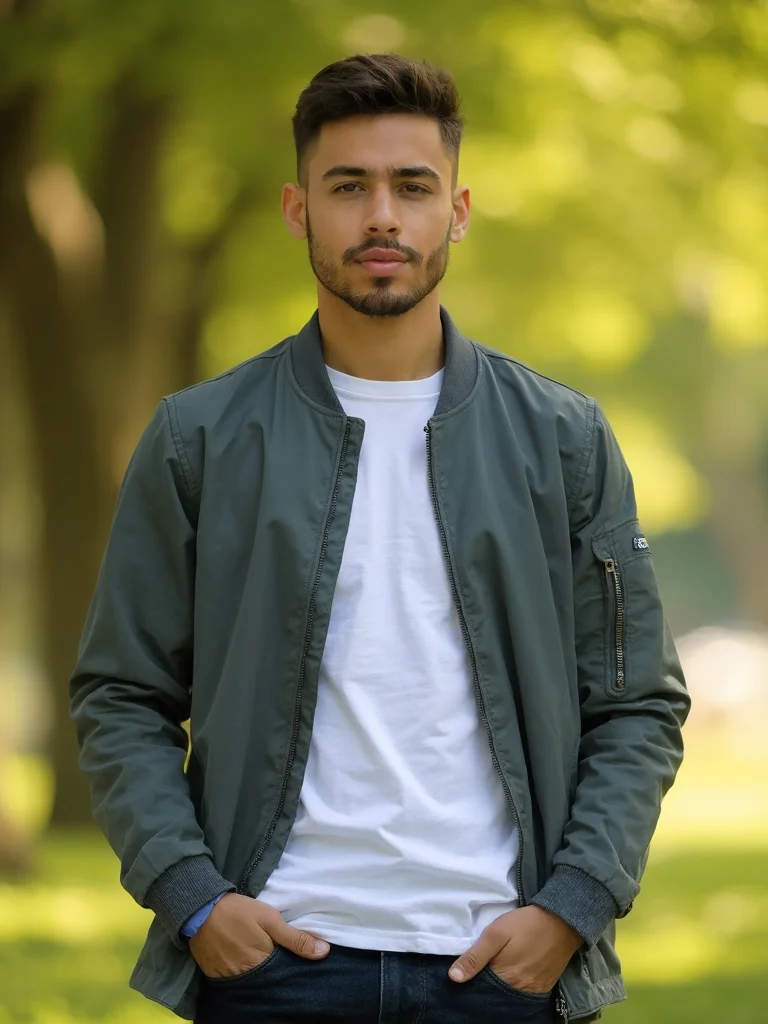
young man, casual lifestyle portrait, hands in pockets relaxed standing pose, blurred green park background, warm golden hour light, easy confident expression, sharp focus, photorealistic, professional photography
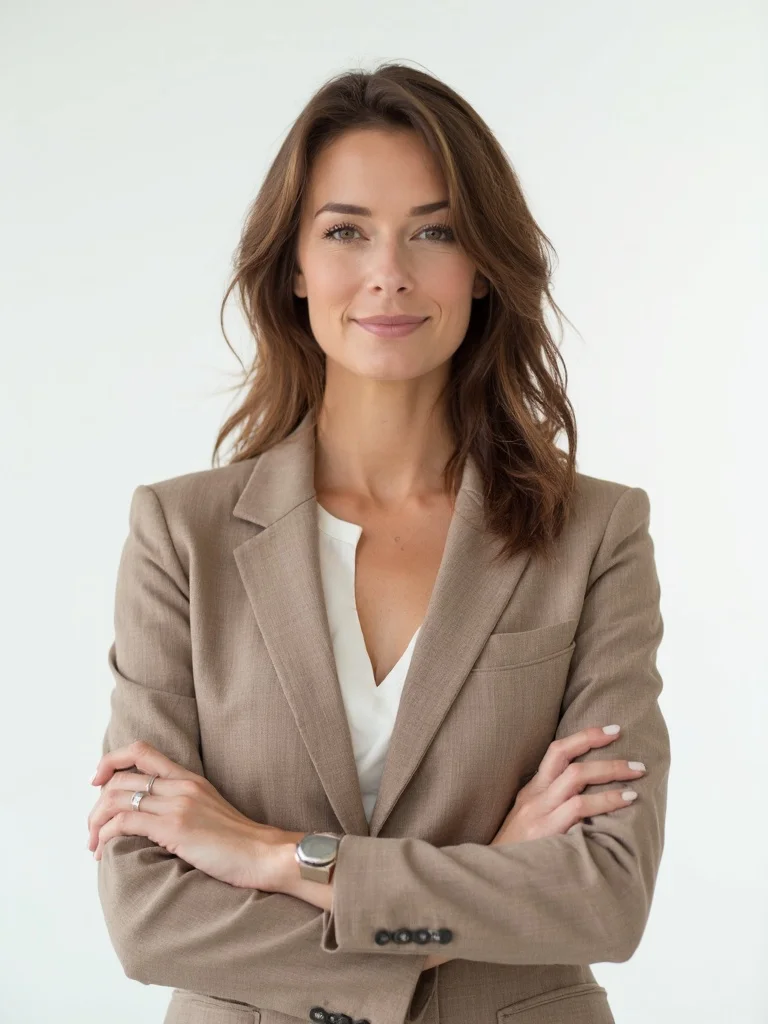
woman in her 30s, professional headshot pose, arms crossed loosely at chest, clean white studio background, soft even studio lighting, direct confident gaze, sharp focus, photorealistic, professional photography
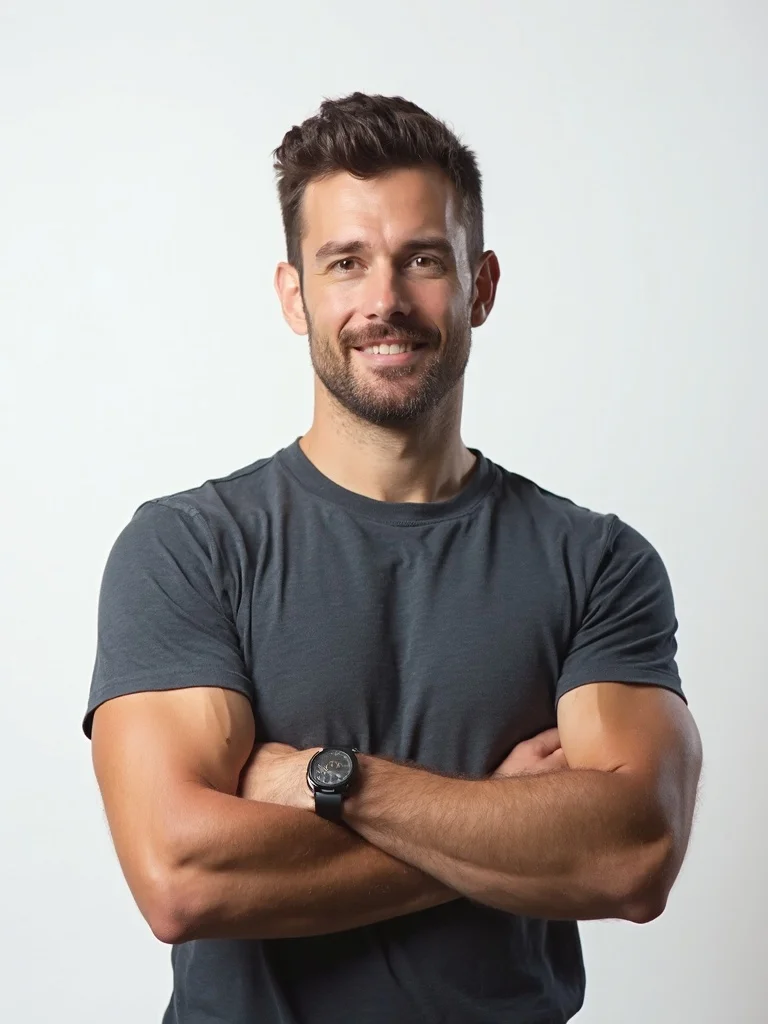
man in his 30s, professional headshot pose, arms crossed loosely at chest, clean white studio background, soft even studio lighting, direct confident gaze, sharp focus, photorealistic, professional photography
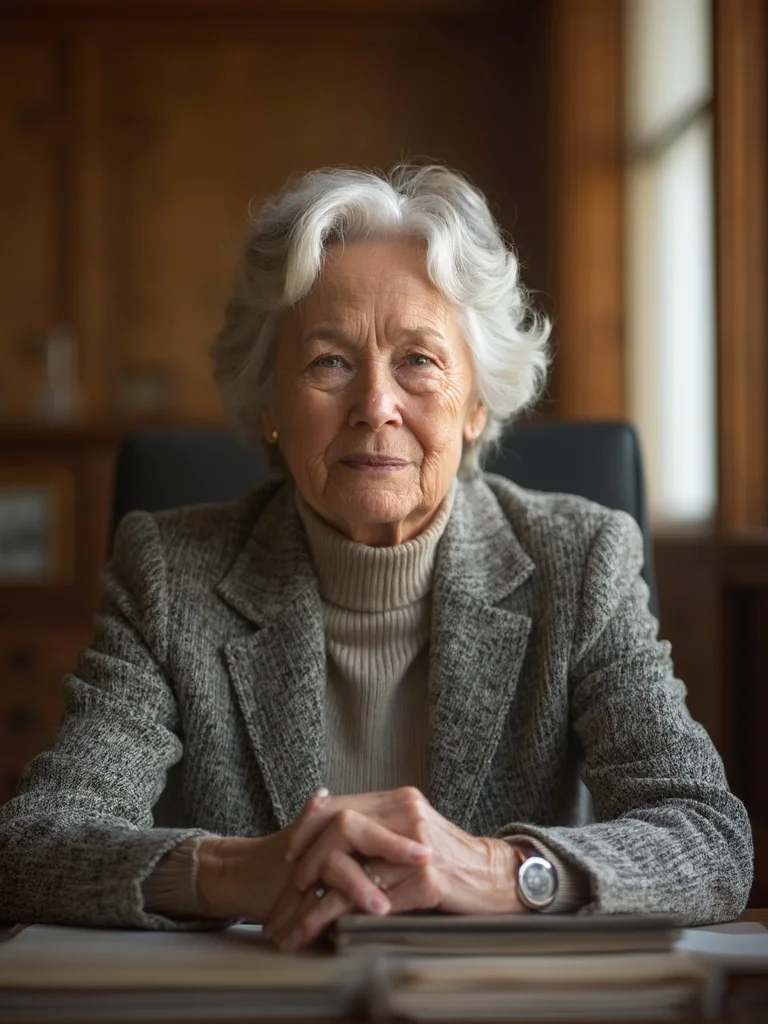
older woman, seated leaning forward pose, elbows on knees, warm wood-toned office background softly blurred, natural window light from the side, calm authoritative expression, sharp focus, photorealistic, professional photography
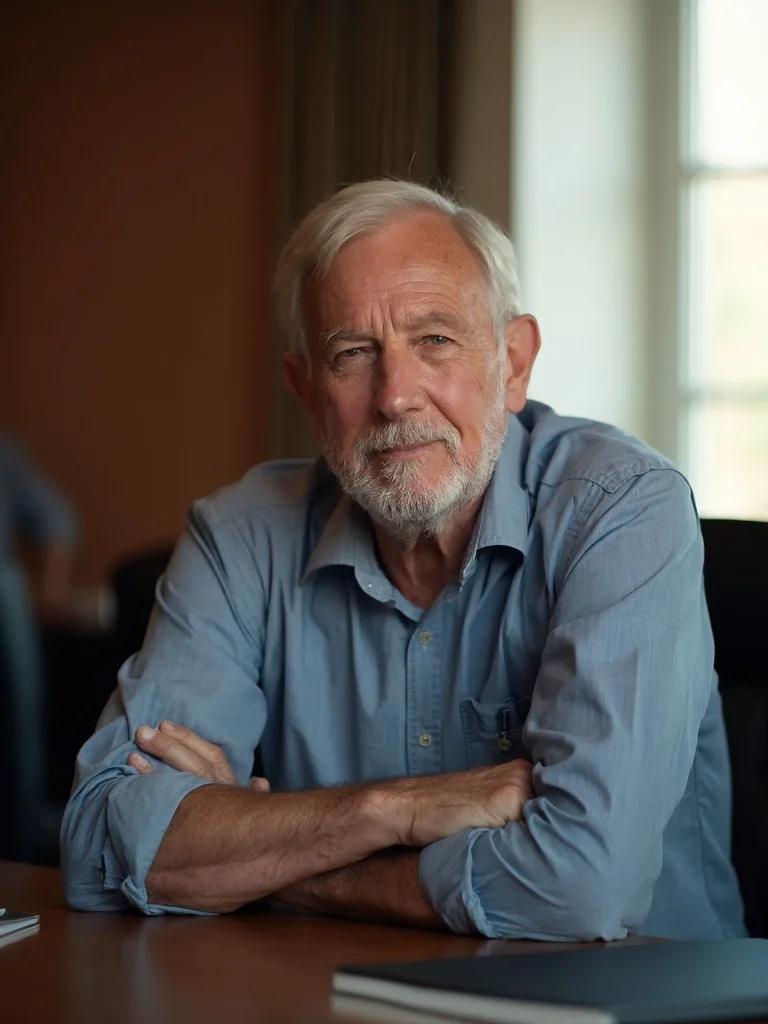
older man, seated leaning forward pose, elbows on knees, warm wood-toned office background softly blurred, natural window light from the side, calm authoritative expression, sharp focus, photorealistic, professional photography
Any pose you describe
Generate standing, seated, leaning, or action poses just by describing what you want.
Change awkward poses
Use the AI pose changer to fix stiff or unflattering poses in photos you already have.
Consistent across photos
Generate multiple photos with the same posing style for a cohesive profile or portfolio.
No posing coach needed
Skip the awkward trial and error. Get polished results without anyone directing you.
AI Pose Generator: questions and answers
What kinds of poses can I generate? +
You can generate almost any pose by describing it: standing with arms crossed, seated leaning forward, hands in pockets, casual leaning against a wall, and more. The AI interprets your description and applies it naturally to your photo.
Can I use the AI pose changer to fix a photo I already took? +
Yes. Upload any existing photo and describe the pose adjustment you want. The AI pose changer will rework your position while keeping your face and overall look consistent.
Will the pose look natural or stiff? +
The AI is trained to generate poses that look natural and proportionate. Results are photorealistic and do not look digitally manipulated when done with a clear source photo.
What types of photos work best as input? +
Clear, well-lit photos where your full body or upper body is visible work best. Photos with good contrast between you and the background tend to produce the most accurate pose results.
Questions about plans, credits or billing? See the Banana AI FAQ or pricing.
Generate Poses That Actually Look Natural
More styles you might like
AI Dating App Photo Generator
Get dating app photos that get you 3x more matches. No photoshoot needed.
AI Professional Headshot Generator
Studio-quality professional headshots generated from your phone photos in under a minute.
AI LinkedIn Headshot Generator
Professional headshots for your LinkedIn profile, without the photographer.