 Banana AI
AI LinkedIn Headshot Generator
Professional headshots for your LinkedIn profile, without the photographer.
Your LinkedIn headshot is often the first thing a recruiter, client, or potential employer sees. Profiles with a clear, professional photo receive significantly more views and connection requests than those without. Despite that, many professionals skip updating their headshot because booking a photographer is expensive and time-consuming. A standard professional headshot session runs between $200 and $400, not counting travel or the wait for edited files.
Banana AI lets you generate polished, professional headshots for your LinkedIn profile from any clear photo you already have. Upload your image, describe the style and background you want, and download results in seconds. You can generate multiple LinkedIn headshot examples in one session and pick whichever looks best for your industry, whether that means a clean white studio background, a blurred office setting, or a natural outdoor look.
Generate Stunning
AI LinkedIn Headshots
Professional headshots for your LinkedIn profile, without the photographer.
👥 250,000+ users already creating with Banana AI
On your phone? Get the Banana AI app
How to create AI LinkedIn Headshots with Banana AI
- 1
Upload your photo
Upload a clear, well-lit photo of your face. No studio equipment needed.
- 2
Choose your style
Pick a background, lighting style, and outfit look that fits your industry.
- 3
Download and update
Get your new LinkedIn headshot instantly and upload it directly to your profile.
Best input photos: Upload 1 to 3 clear, well-lit photos of your face looking directly at the camera. Avoid sunglasses or heavy filters.
Prompt ideas for headshots
Copy a prompt, upload your photo in Banana AI and pick Nano Banana 2. Change the age, outfit or background words to match yourself.
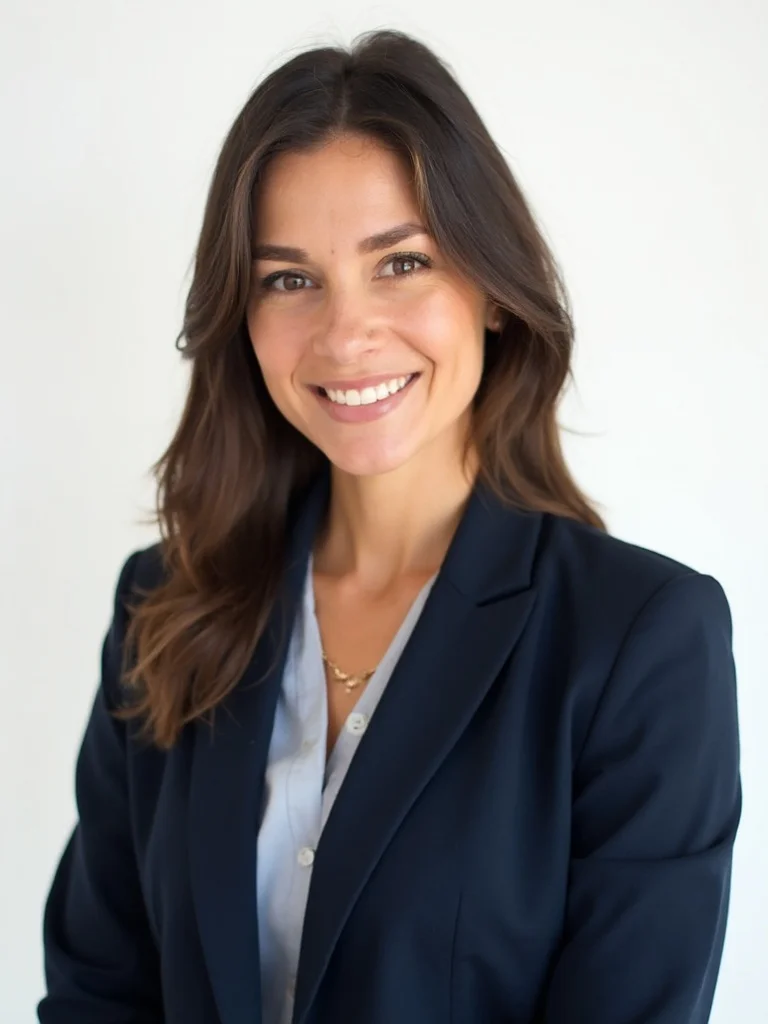
young woman in her mid-20s, professional LinkedIn headshot, tailored navy blazer, clean white studio background, soft even lighting, confident smile, sharp focus, photorealistic, professional photography
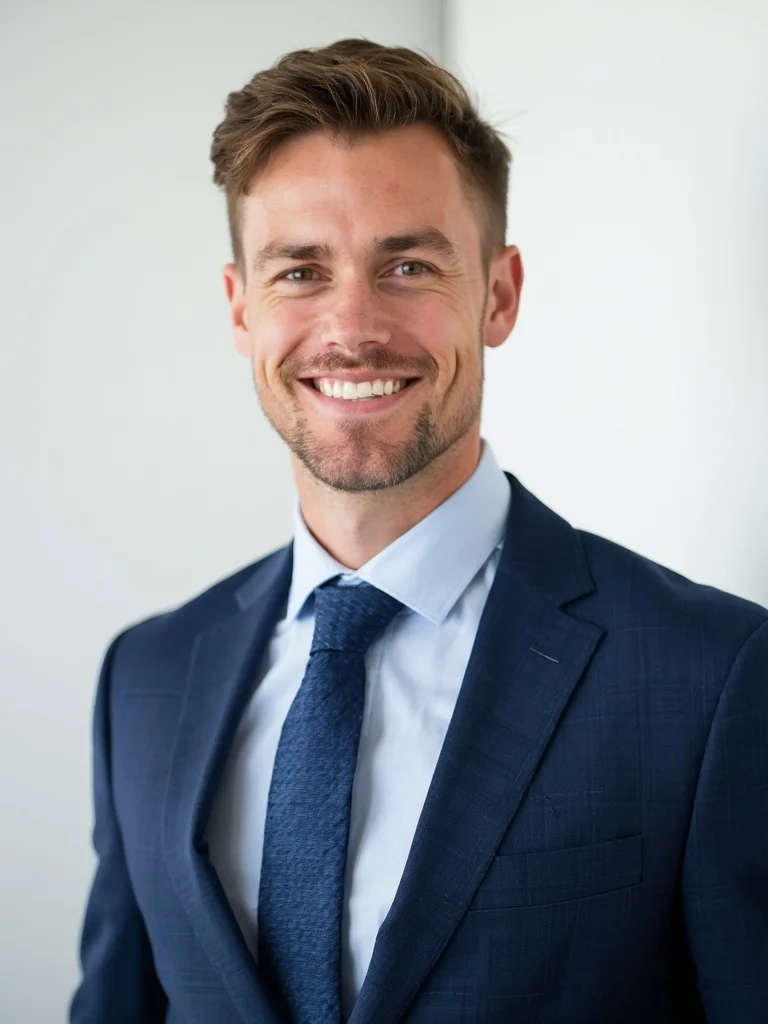
young man in his mid-20s, professional LinkedIn headshot, navy blue suit and tie, clean white studio background, soft even lighting, confident smile, sharp focus, photorealistic, professional photography
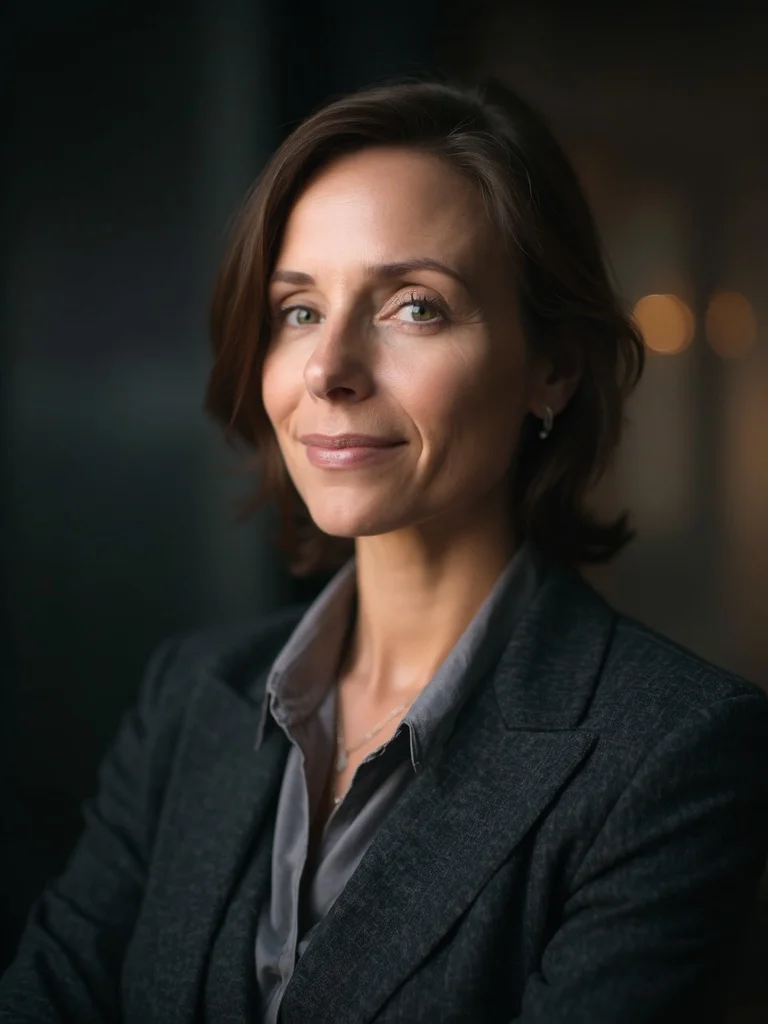
woman in her 40s, professional headshot for linkedin profile, charcoal blazer over a blouse, dark blurred office background, warm directional side lighting, serious composed expression, sharp focus, photorealistic, professional photography
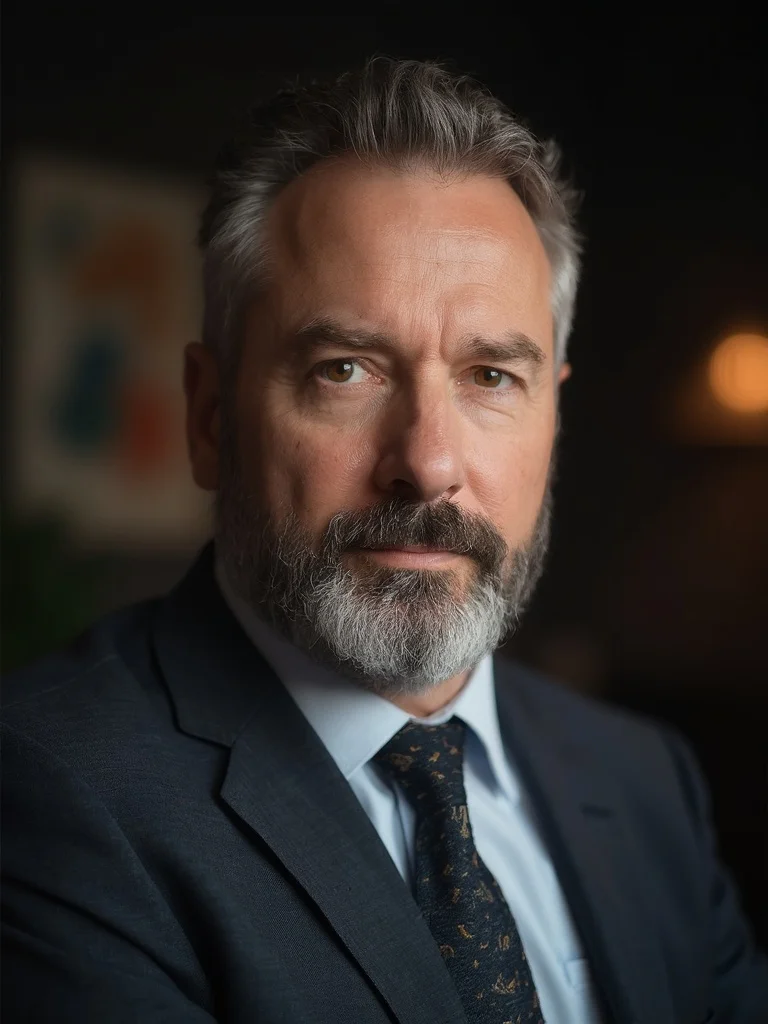
man in his 40s, professional headshot for linkedin profile, charcoal blazer, dark blurred office background, warm directional side lighting, serious composed expression, sharp focus, photorealistic, professional photography
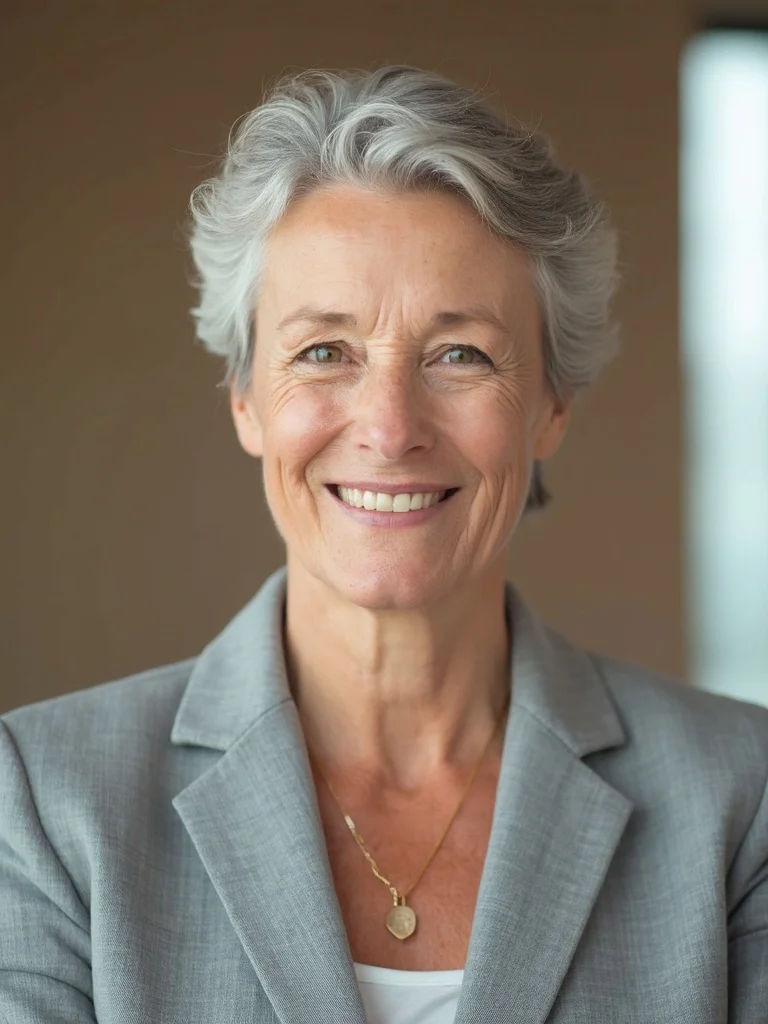
older woman, linkedin headshot, light grey blazer, neutral warm beige background, soft window light, relaxed approachable expression, distinguished appearance, sharp focus, photorealistic, professional photography
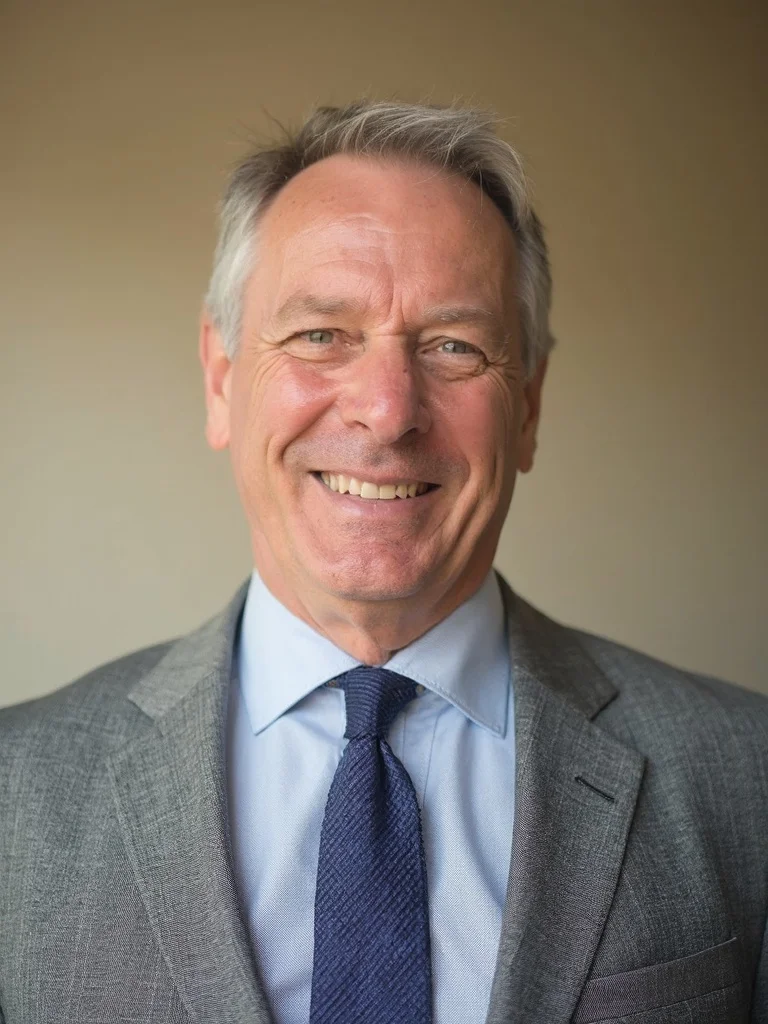
older man, linkedin headshot, light grey suit, neutral warm beige background, soft window light, relaxed approachable expression, distinguished appearance, sharp focus, photorealistic, professional photography
Profile-ready instantly
Skip the scheduling and studio visits. Your new LinkedIn headshot is ready in seconds.
Save $200 to $400
Professional headshot sessions typically cost $200 to $400. Banana AI costs a fraction of that.
Multiple looks
Generate several variations with different backgrounds and expressions so you can pick the best one.
Make a stronger impression
A polished headshot signals professionalism and increases the chance recruiters engage with your profile.
AI LinkedIn Headshot Generator: questions and answers
What makes a good LinkedIn headshot? +
A strong LinkedIn headshot shows your face clearly, uses clean or neutral backgrounds, and projects a confident, approachable expression. Banana AI can generate all of these variations so you can see what works best for your industry.
Can I see LinkedIn headshot examples before I generate? +
Yes. The example images on this page show a range of professional headshots for LinkedIn across different styles, backgrounds, and lighting setups. These are representative of what Banana AI produces.
Do I own the photos I generate? +
Yes. All paid plans include full rights to use your generated headshots for your LinkedIn profile, personal website, resume, and other professional purposes.
How many photos will I get? +
Depending on your plan, you can generate dozens of LinkedIn headshot variations in a single session, letting you choose the one that fits best.
What if I want a specific background or industry style? +
Just describe what you want. You can request a clean white background, a blurred office setting, an outdoor look, or anything else that suits your professional field.
Questions about plans, credits or billing? See the Banana AI FAQ or pricing.
Generate Your Professional LinkedIn Headshot Today
More styles you might like
AI Real Estate Agent Headshot Generator
Get professional headshots that win more listings without the $400 photography session.
AI Professional Headshot Generator
Studio-quality professional headshots generated from your phone photos in under a minute.
AI Actor Headshot Generator
Studio-quality actor headshots without the photographer.