 Banana AI
AI Polaroid Photo Generator
Turn your photos into polaroids with a classic, vintage look.
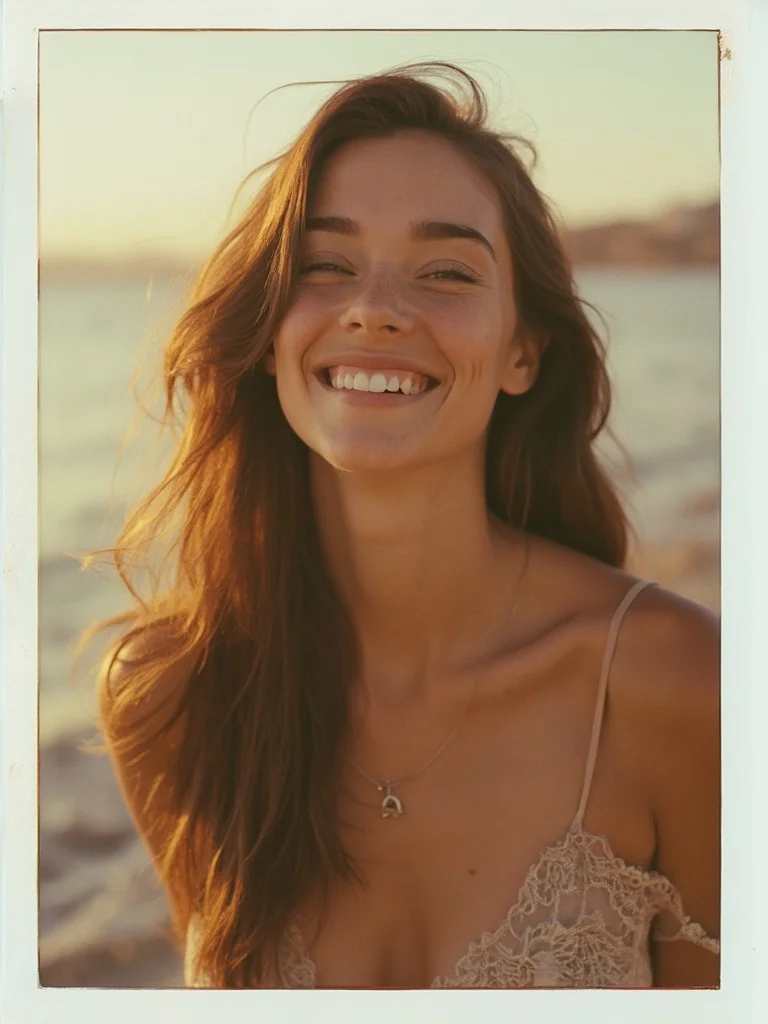
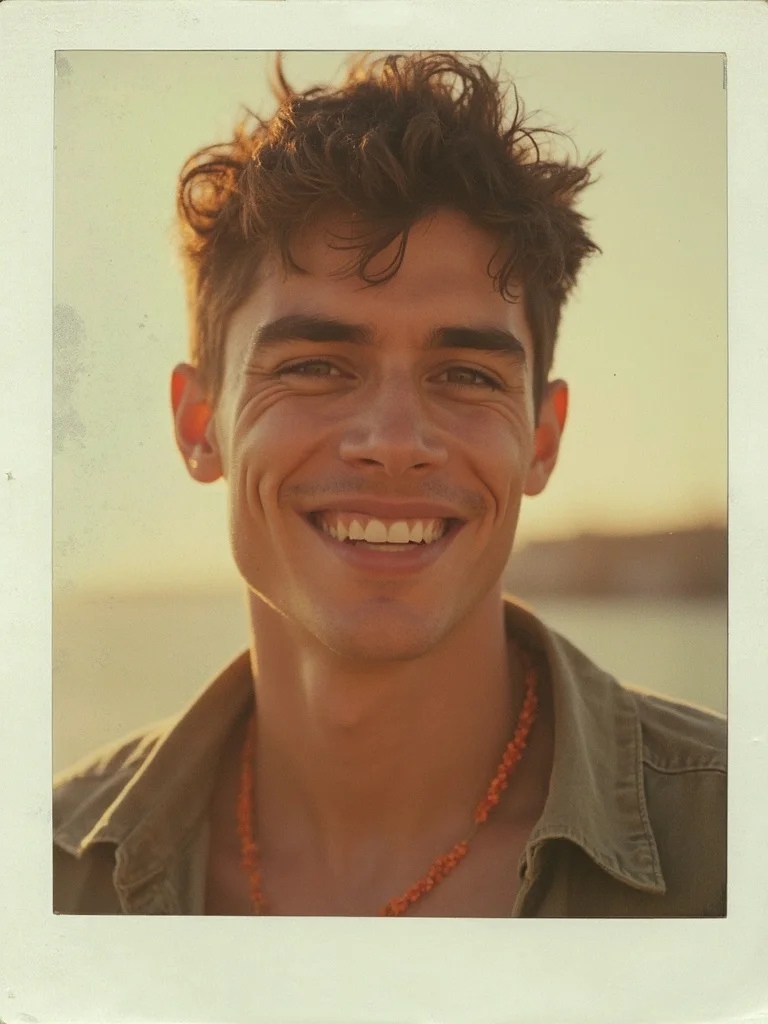
The polaroid filter has become one of the most requested photo styles online, and for good reason. There is something about the soft grain, faded color palette, and white border framing that makes a portrait feel personal and nostalgic in a way that sharp digital photos rarely do. Banana AI works as a full AI polaroid maker, rebuilding your photo with the visual qualities of real polaroid film rather than just applying a color overlay on top of an existing image.
To convert a picture to polaroid online, you upload your photo, describe the polaroid style you want, and the generator handles the rest. You can turn photos into polaroids with warm expired-film tones, cool overexposed summer hues, or the classic Polaroid 600 look. Each result is high resolution and ready to print or post directly to social media.
Generate Stunning
AI Polaroid Photo Generator
Turn your photos into polaroids with a classic, vintage look.
👥 250,000+ users already creating with Banana AI
On your phone? Get the Banana AI app
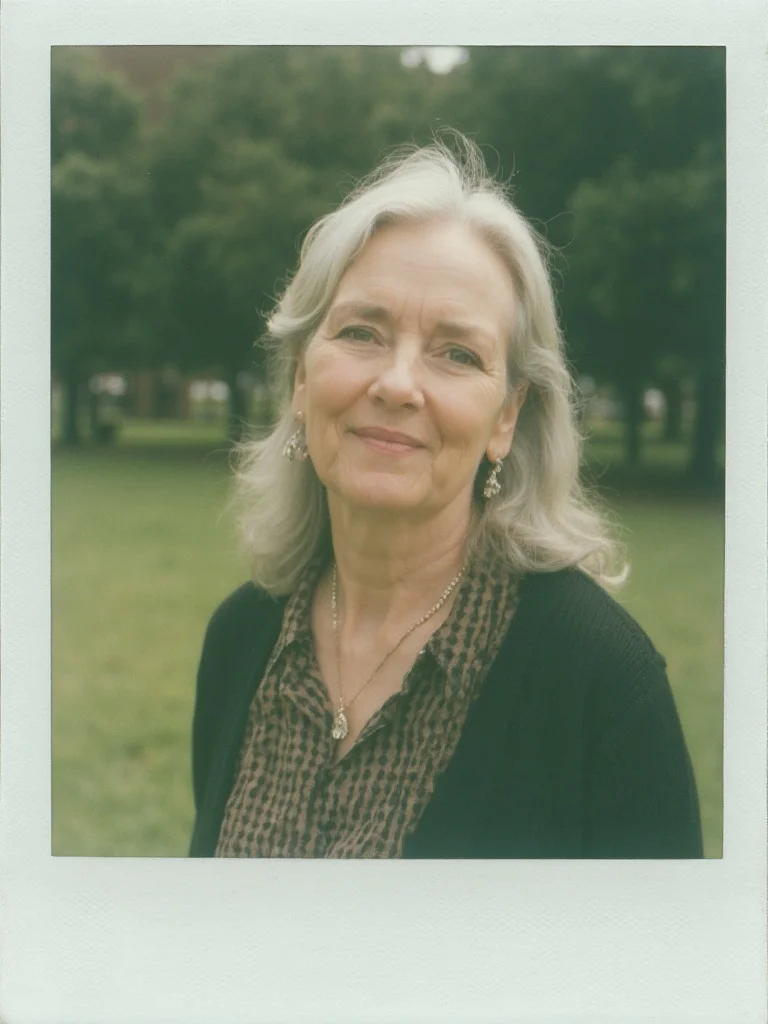
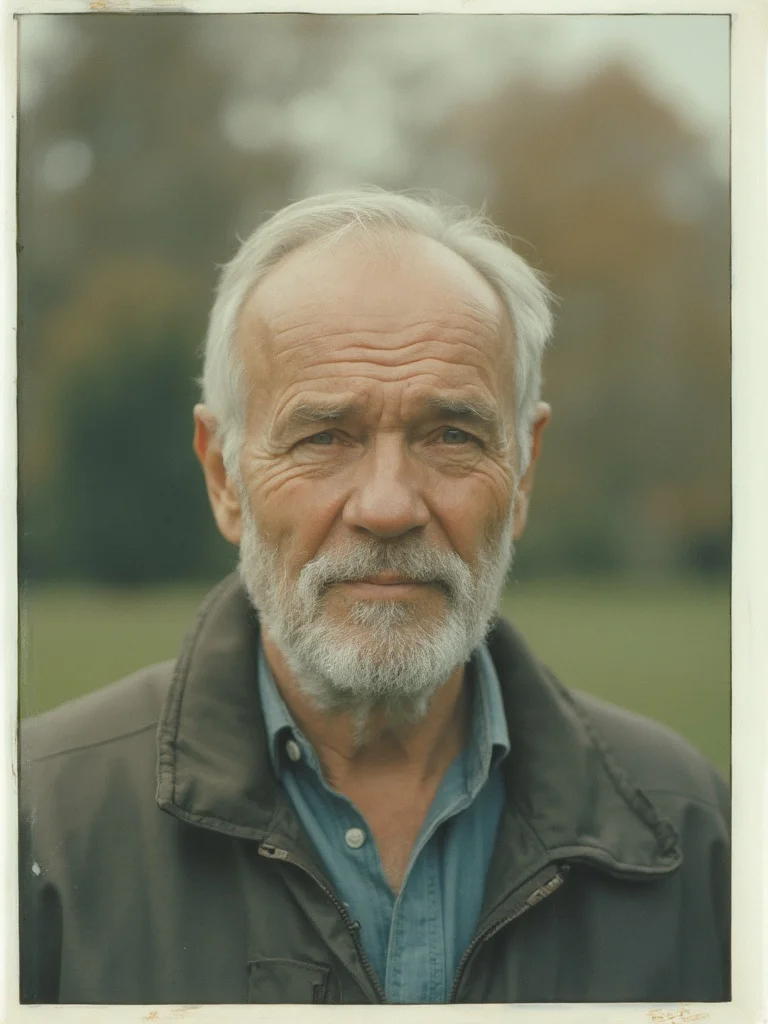
How to create AI Polaroid Photo Generator with Banana AI
- 1
Upload your photo
Upload a clear photo of yourself or anyone you want to turn into a polaroid portrait.
- 2
Apply the polaroid filter
Choose your polaroid style, from classic faded film tones to bright overexposed looks or warm vintage hues.
- 3
Download and share
Get your polaroid-style photo instantly. Save it, print it, or post it anywhere.
Best input photos: Upload 1-3 clear, well-lit photos of the person you want to turn into a polaroid. Photos taken in natural light work especially well.
Prompt ideas for polaroid photos
Copy a prompt, upload your photo in Banana AI and pick Nano Banana 2. Change the age, outfit or background words to match yourself.
young woman, polaroid filter portrait, warm faded film tones, white polaroid border, overexposed golden hour outdoor setting, relaxed smile, soft grain texture, sharp focus, photorealistic, professional photography
young man, polaroid filter portrait, warm faded film tones, white polaroid border, overexposed golden hour outdoor setting, relaxed smile, soft grain texture, sharp focus, photorealistic, professional photography
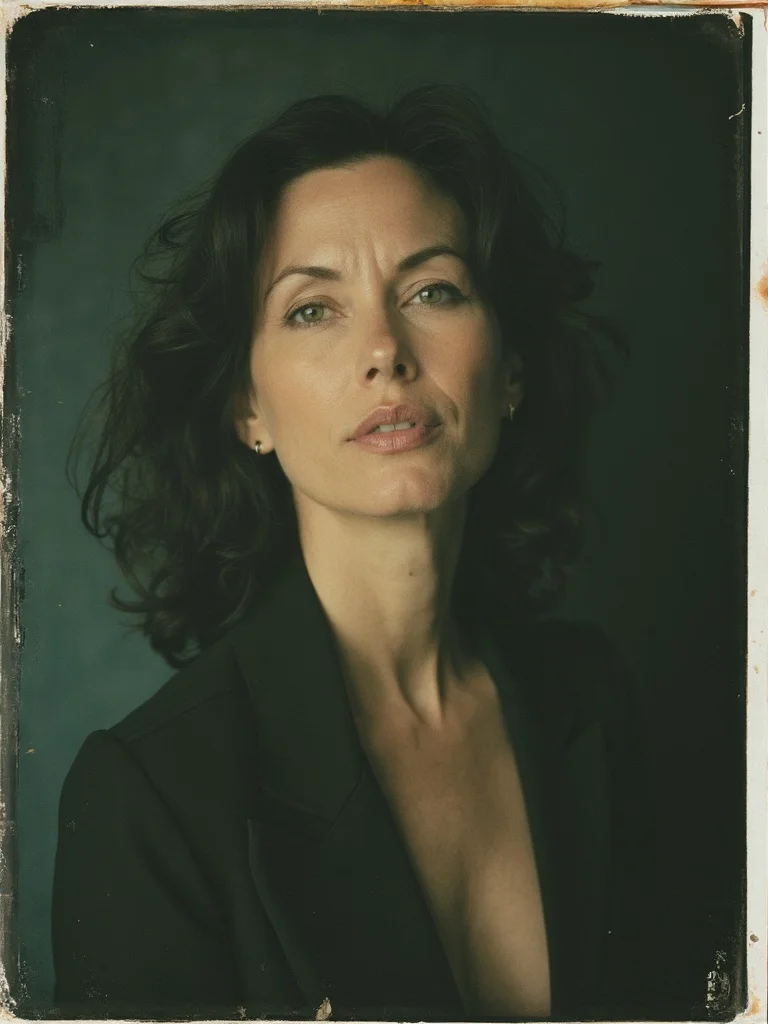
woman in her 40s, polaroid photo style, classic Polaroid 600 tones, studio setting, dark background, confident composed expression, slight light bleed edges, vintage film grain, sharp focus, photorealistic, professional photography
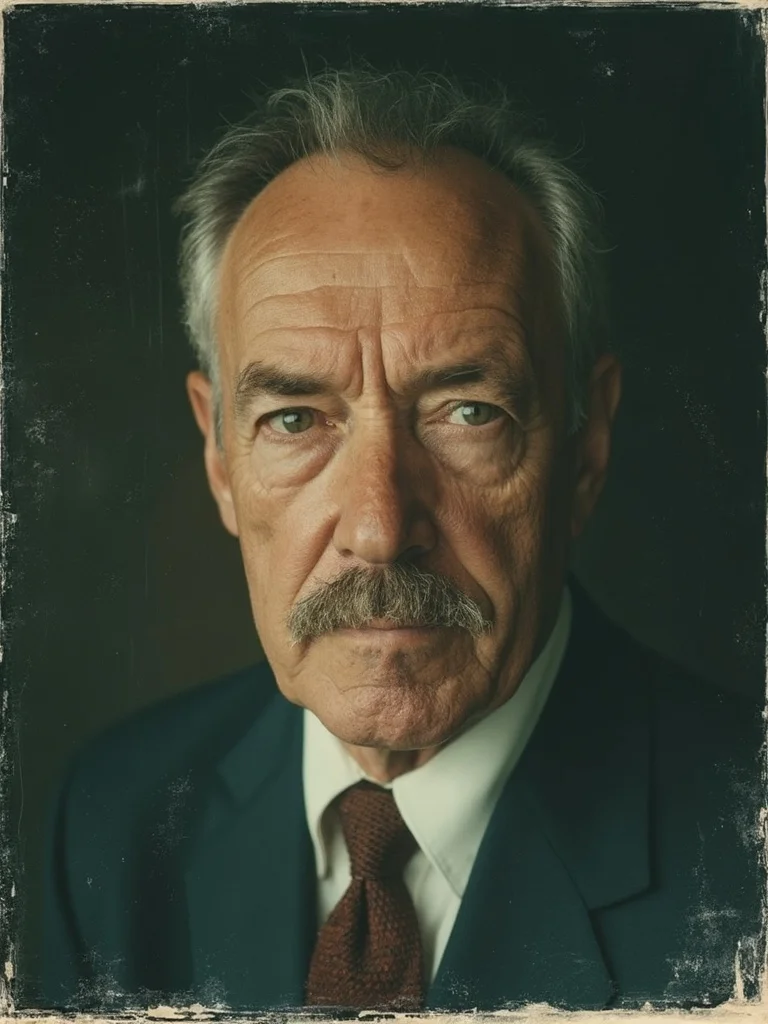
man in his 40s, polaroid photo style, classic Polaroid 600 tones, studio setting, dark background, serious confident expression, slight light bleed edges, vintage film grain, sharp focus, photorealistic, professional photography
older woman, polaroid style portrait, cool-faded expired film tones, white border framing, outdoor park background blurred, relaxed natural expression, soft muted colors, sharp focus, photorealistic, professional photography
older man, polaroid style portrait, cool-faded expired film tones, white border framing, outdoor park background blurred, relaxed natural expression, soft muted colors, sharp focus, photorealistic, professional photography
Authentic polaroid look
Get the real polaroid aesthetic: soft grain, faded edges, warm color shifts, and that signature white border.
Done in seconds
No editing skills needed. Upload a photo, pick a style, and download your polaroid portrait instantly.
Multiple polaroid styles
Choose from classic Polaroid 600, overexposed bright tones, cool-faded film, or warm vintage looks.
Print or post ready
High-resolution output you can print at home, order as a physical print, or use directly on social media.
AI Polaroid Photo Generator: questions and answers
Can I convert any photo to a polaroid with this tool? +
Yes. You can turn photos into polaroids using any clear portrait photo. The AI polaroid maker works best with photos that have a visible face and decent lighting, but it handles a wide range of input photo qualities.
How is this different from a basic Instagram filter? +
Instagram filters apply a simple color grade over your existing photo. Banana AI regenerates your photo with the actual visual characteristics of polaroid film, including grain structure, light bleed, tonal compression, and the white border framing.
Can I choose different polaroid styles? +
Yes. You can describe the style you want. Try classic Polaroid 600 tones, overexposed summer look, cool-faded expired film, or warm vintage hues. Each produces a distinct result.
Can I turn someone else's photo into a polaroid? +
Yes, as long as you have permission to use the photo. The polaroid photo generator works on any clear portrait, whether it is a photo of yourself, a friend, or a couple.
What resolution are the output photos? +
All generated photos are high resolution and suitable for printing or digital use. Full output quality is available on all paid plans.
Questions about plans, credits or billing? See the Banana AI FAQ or pricing.
Turn Your Photos Into Polaroids With AI
More styles you might like
AI Instagram Photo Generator
Create a week of Instagram content in 10 minutes. Any location, any style, no photographer.
AI Yearbook Photo Generator
See yourself in a classic 90s yearbook photo or any decade. Goes viral every time.
Dark Academia Aesthetic AI Photo Generator
Moody, literary portrait photos in the dark academia aesthetic. No photoshoot required.