 Banana AI
AI Face Aging
See yourself at any age with realistic AI face aging.
AI face aging lets you visualize yourself at different life stages with a level of realism that goes far beyond typical filter apps. Whether you want to see yourself at 60, create content for a creative project, or simply satisfy your curiosity, the results show natural aging details including skin texture, fine lines, hair changes, and facial structure shifts that make the image genuinely convincing. Upload a single clear photo and describe the age you want to see.
The tool is useful for more than personal curiosity. Filmmakers use it to generate character reference images. Designers use it for aging visualizations in campaigns. Families create aged portraits as memorable gifts or keepsakes. Whatever your reason, the process takes seconds, and you can generate multiple age variations in one session to compare how different stages look side by side.
Generate Stunning
AI Face Aging
See yourself at any age with realistic AI face aging.
👥 250,000+ users already creating with Banana AI
On your phone? Get the Banana AI app
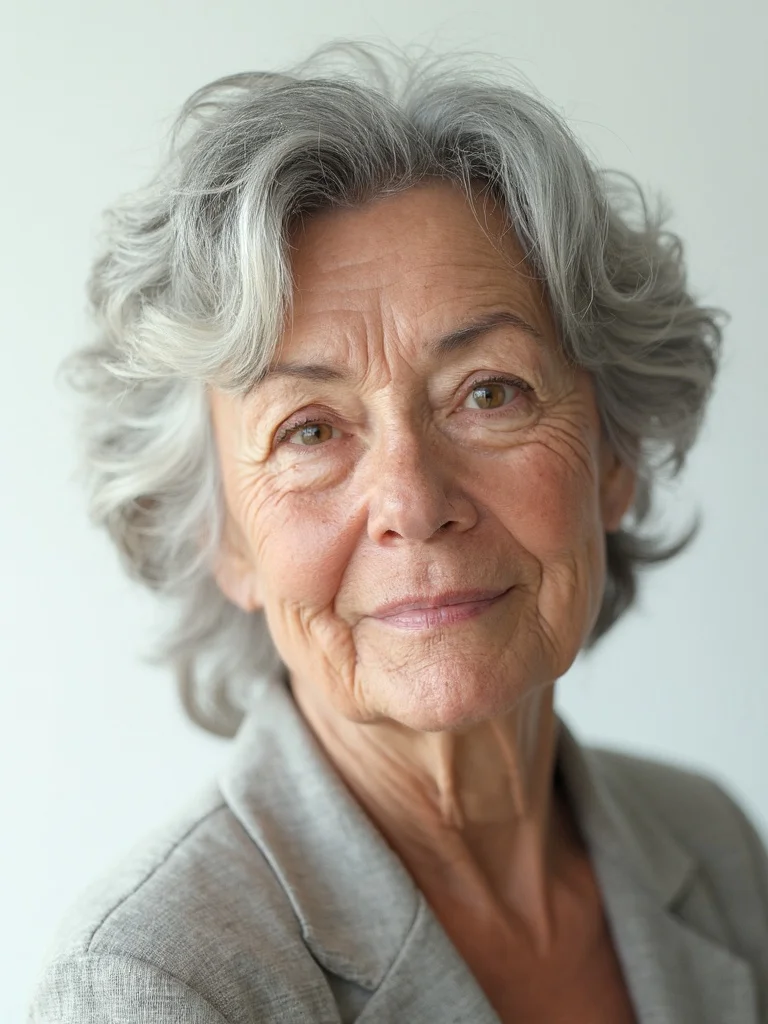
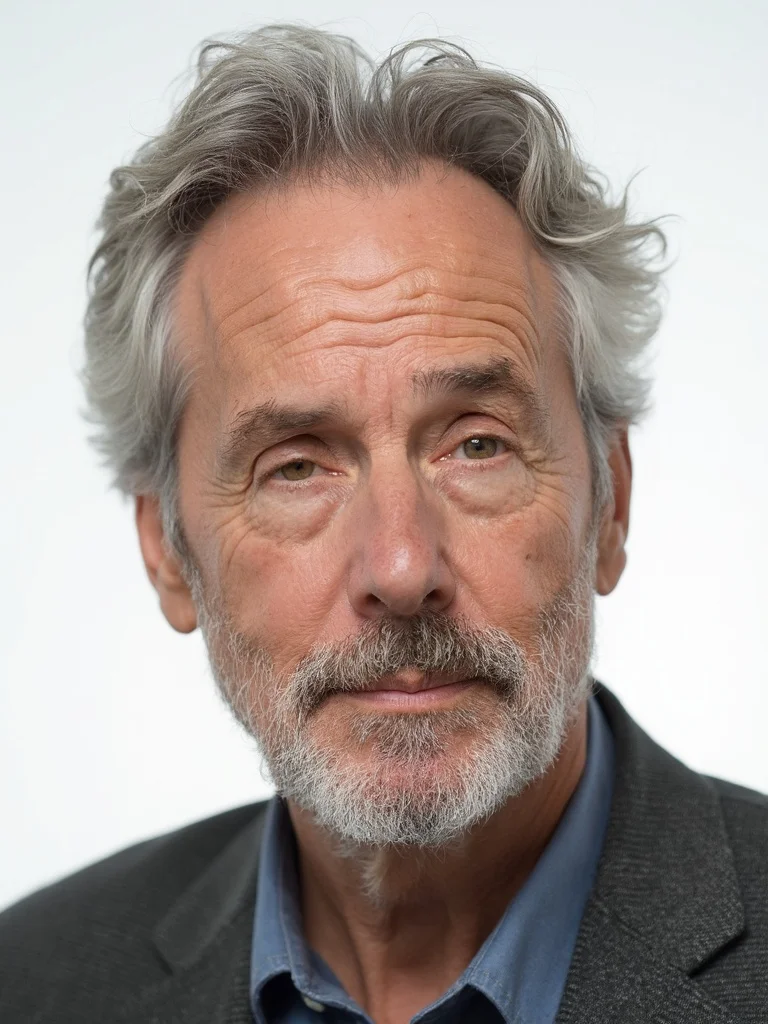
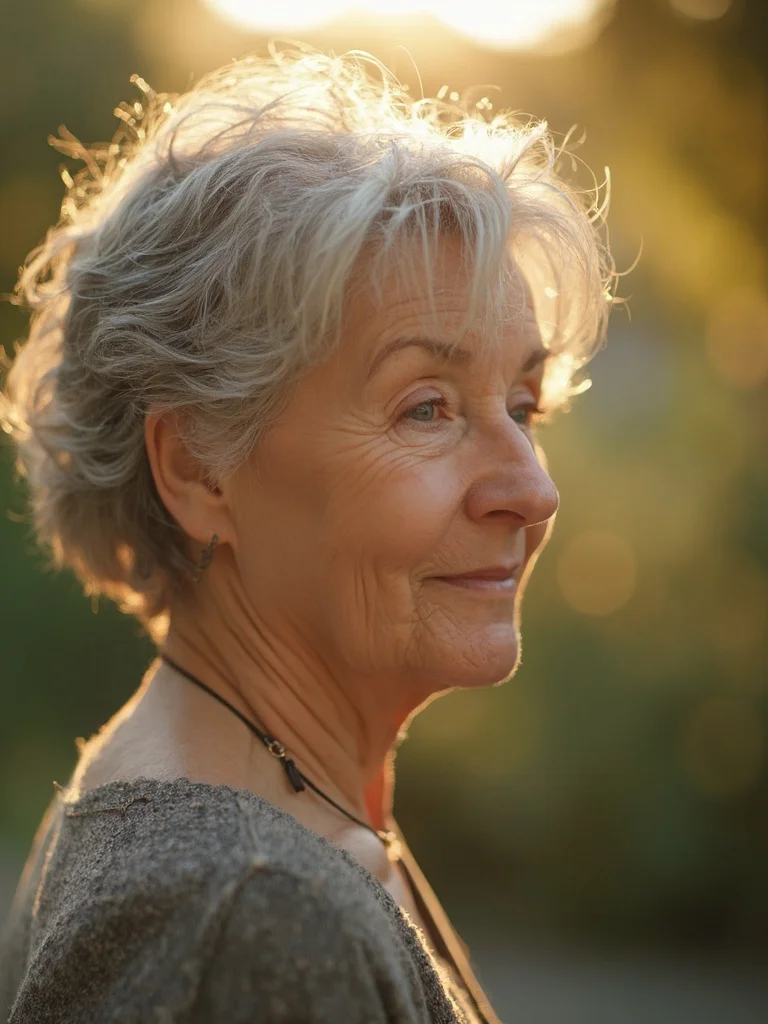
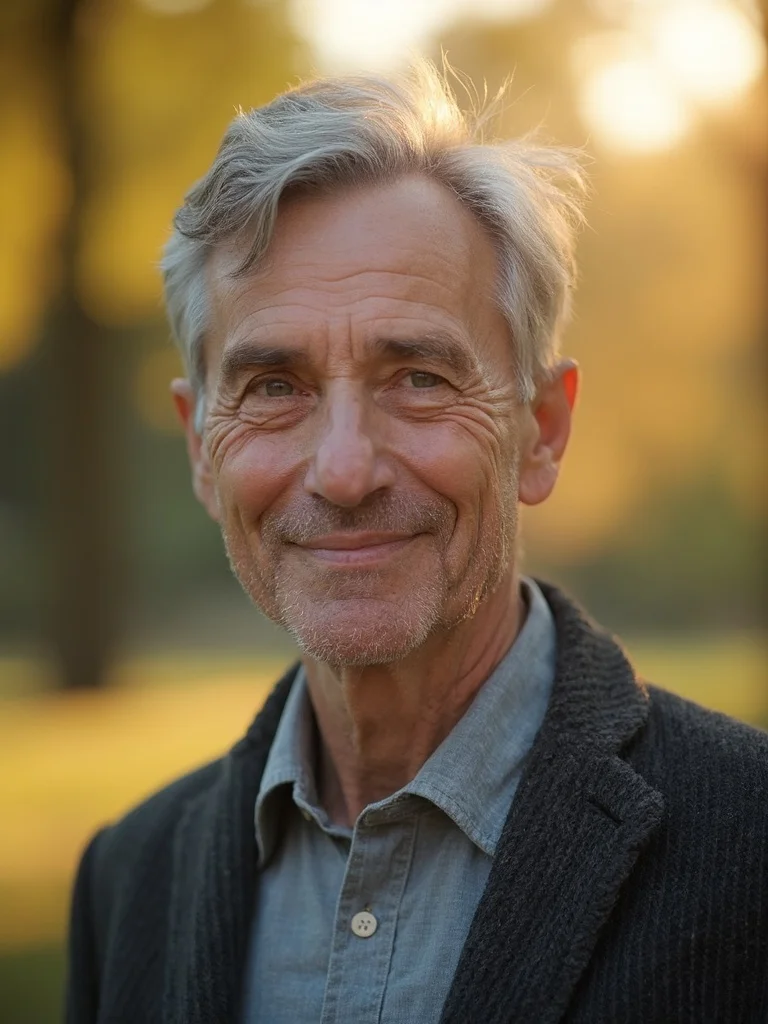
How to create AI Face Aging with Banana AI
- 1
Upload your photo
Upload a clear, well-lit photo of your face looking directly at the camera.
- 2
Describe the age look
Specify the age range or life stage you want to see, such as 50s, 70s, or a younger version of yourself.
- 3
Download your result
Get a photorealistic aged portrait in seconds. Generate multiple versions to see different age stages.
Best input photos: Upload 1-3 clear, well-lit photos of your face. Look directly at the camera with no sunglasses or heavy shadows.
Prompt ideas for portraits
Copy a prompt, upload your photo in Banana AI and pick Nano Banana 2. Change the age, outfit or background words to match yourself.
young woman in her mid-20s aged to her 70s, studio portrait, white background, soft diffused lighting, natural gray hair and age lines, serious dignified expression, sharp focus, photorealistic, professional photography
young man in his mid-20s aged to his 70s, studio portrait, white background, soft diffused lighting, natural gray hair and age lines, serious dignified expression, sharp focus, photorealistic, professional photography
woman in her 30s shown aged to her 60s, warm golden hour outdoor lighting, blurred garden background, silver-streaked hair, calm relaxed expression, shallow depth of field, sharp focus, photorealistic, professional photography
man in his 30s shown aged to his 60s, warm golden hour outdoor lighting, blurred park background, silver temples, calm relaxed expression, shallow depth of field, sharp focus, photorealistic, professional photography
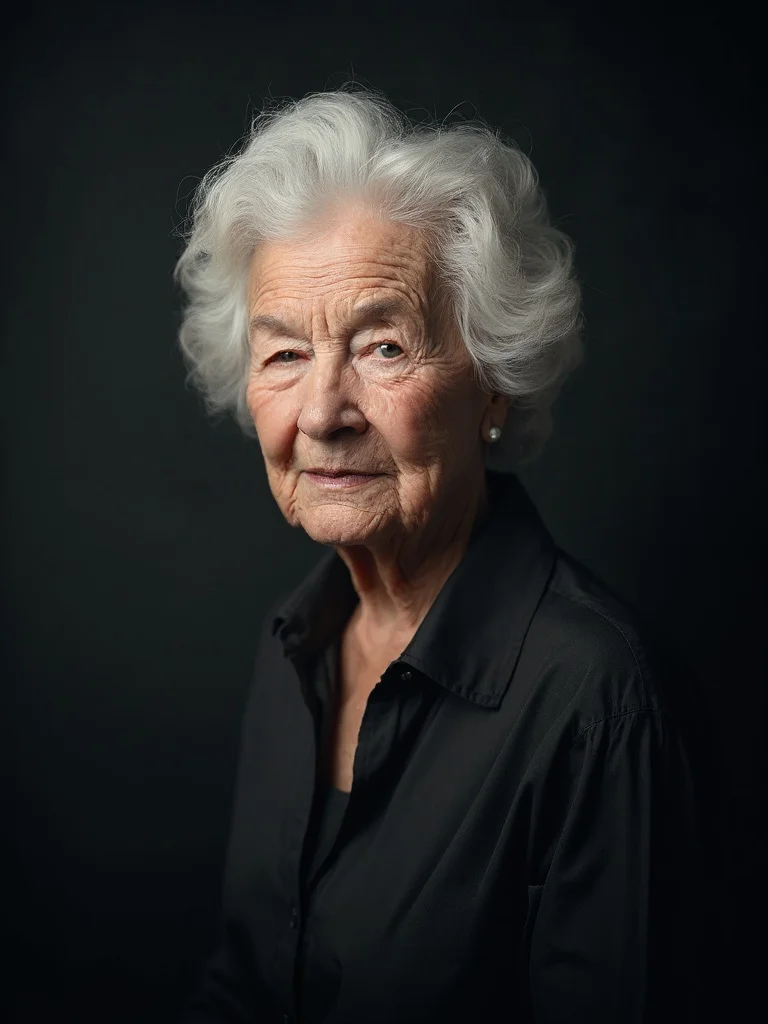
older woman in her 80s, dramatic studio lighting, dark charcoal background, deep wrinkles and white hair, distinguished composed expression, wearing a classic blouse, sharp focus, photorealistic, professional photography
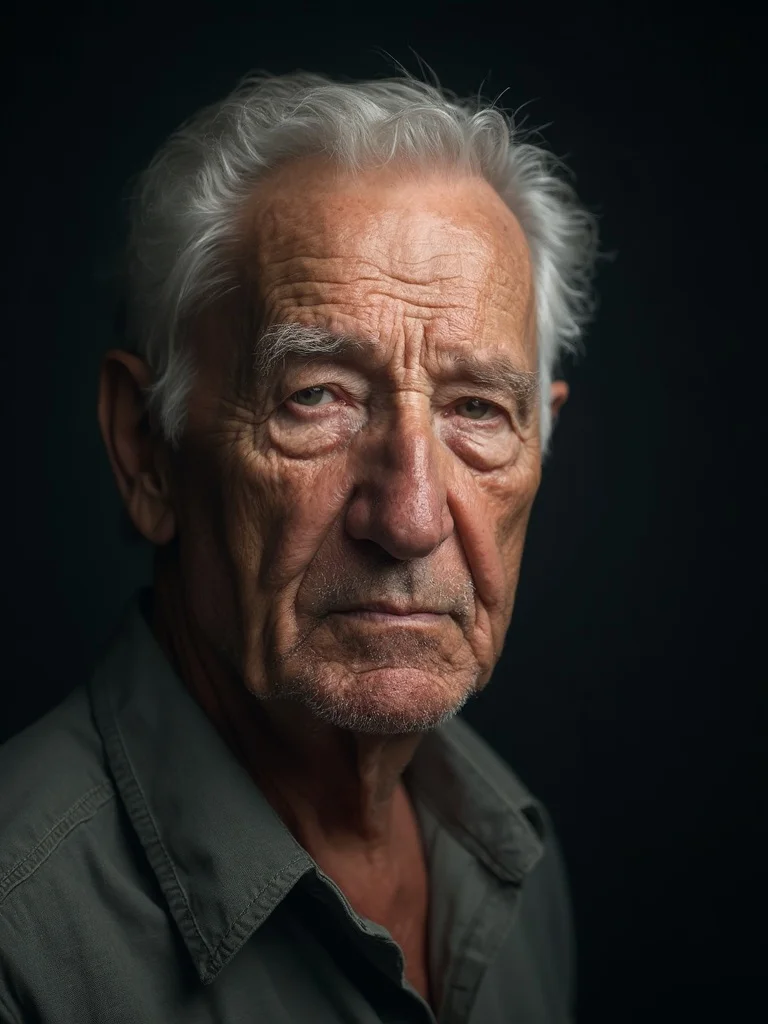
older man in his 80s, dramatic Rembrandt studio lighting, dark charcoal background, deep wrinkles and white hair, distinguished serious expression, wearing a collared shirt, sharp focus, photorealistic, professional photography
Any age range
See yourself at 40, 60, or 80. Generate portraits across any life stage you want to visualize.
Photorealistic results
Natural wrinkles, hair changes, and skin texture that look convincing rather than cartoonish.
Results in seconds
No waiting, no complex editing software. Upload your photo and get your aged portrait immediately.
Multiple variations
Generate several versions at different ages or with different lighting and style details in one session.
AI Face Aging: questions and answers
How realistic are the AI face aging results? +
The results are photorealistic, showing natural aging details like fine lines, skin texture changes, and hair color shifts. The quality is well above typical social media filter apps.
Can I age myself to look younger as well as older? +
Yes. You can prompt for a younger version of yourself, such as how you might have looked at 20 or 25, as well as older age ranges.
What kind of photo should I upload for the best results? +
A clear, well-lit photo of your face looking directly at the camera works best. Avoid heavy shadows, sunglasses, or significant face obstruction.
Can I use the aged portraits for creative projects or social media? +
Yes. All paid plans include full rights to use your generated images for personal projects, social media posts, and creative work.
Does the AI preserve my facial features accurately? +
The AI is trained to maintain your core facial structure and identity while applying age-appropriate changes, so the result still looks recognizably like you.
Questions about plans, credits or billing? See the Banana AI FAQ or pricing.
See What You Look Like at Any Age
More styles you might like
AI Professional Headshot Generator
Studio-quality professional headshots generated from your phone photos in under a minute.
AI Yearbook Photo Generator
See yourself in a classic 90s yearbook photo or any decade. Goes viral every time.
AI Actor Headshot Generator
Studio-quality actor headshots without the photographer.