 Banana AI
AI Tattoo Generator From Photo
See how a tattoo looks on you before you sit in the chair.
A tattoo is one of the few style decisions that cannot be undone easily. Most people spend weeks or months collecting reference images, but still walk into the studio unsure of the exact size, placement, or style they want. The AI tattoo generator from photo approach solves that directly. You upload a real photo of your body, describe the design you are considering, and get a realistic preview placed on your actual skin tone and anatomy.
This is useful whether you are planning your first tattoo or your fifteenth. You can test a delicate fine-line piece against a bold blackwork version of the same concept, compare wrist placement to forearm placement, or simply show your artist a concrete visual instead of trying to explain an idea from scratch. The more specific your prompt, the more accurate and useful the preview will be.
Generate Stunning
AI Tattoo Generator From Photo
See how a tattoo looks on you before you sit in the chair.
👥 250,000+ users already creating with Banana AI
On your phone? Get the Banana AI app
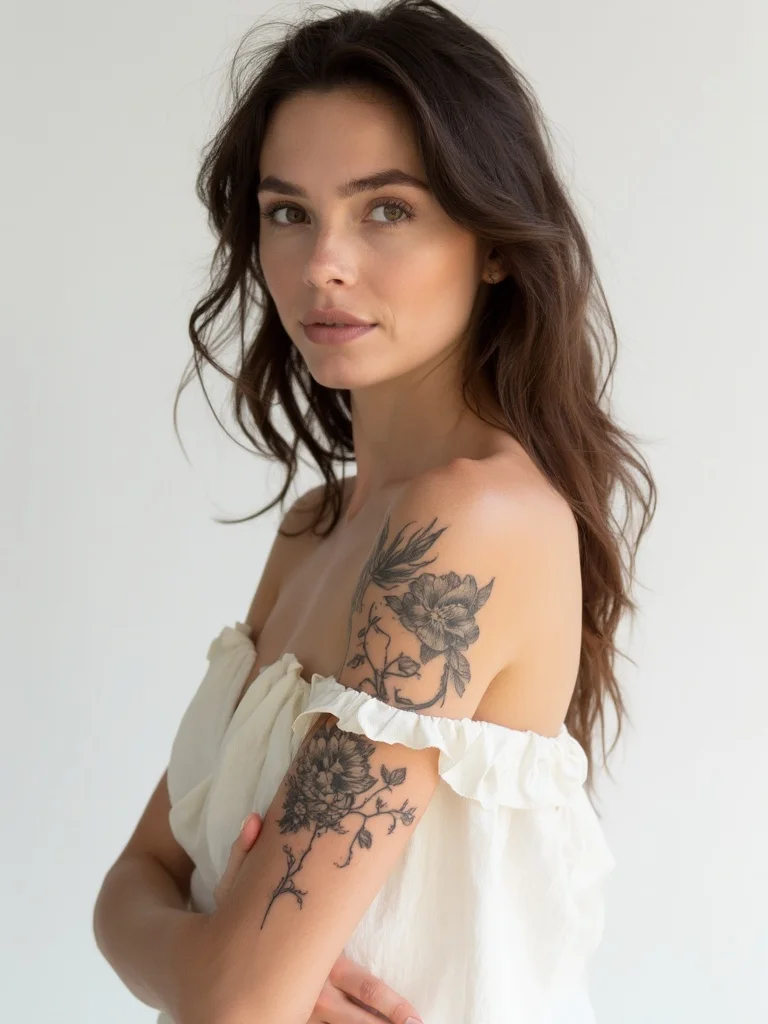
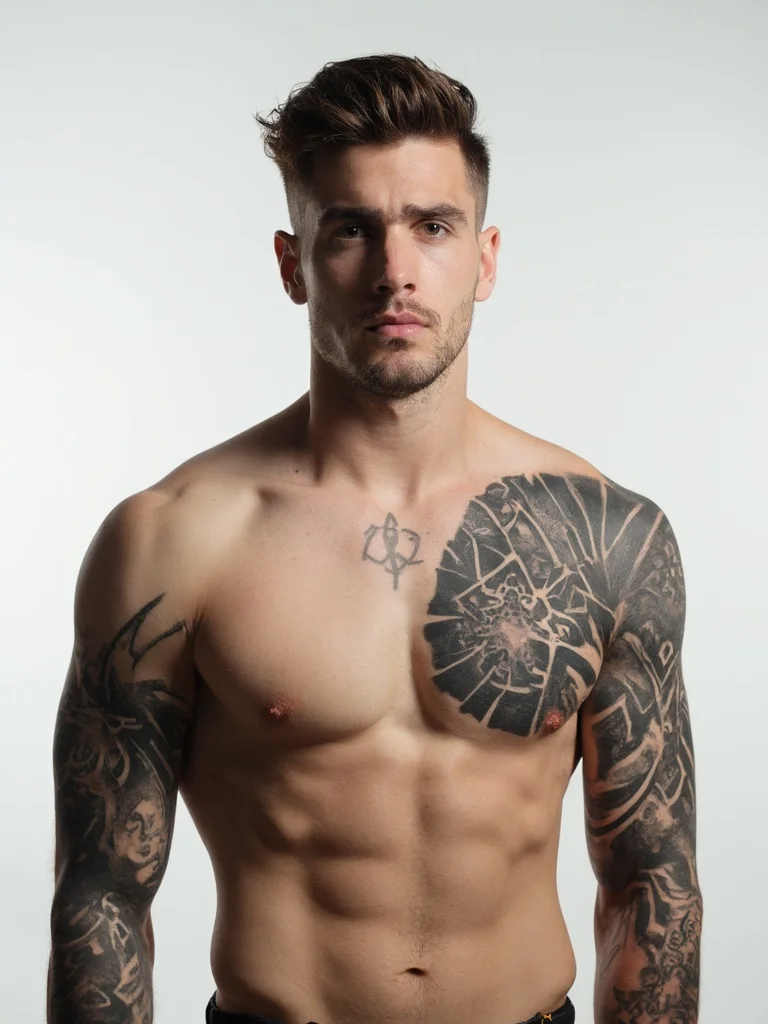
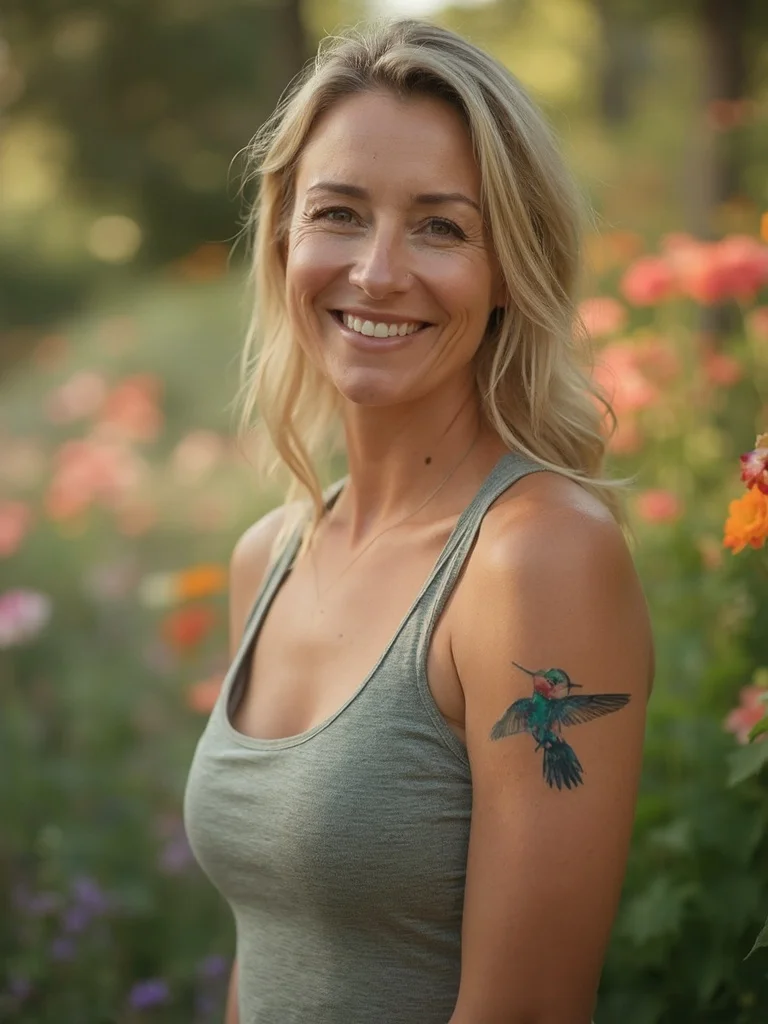
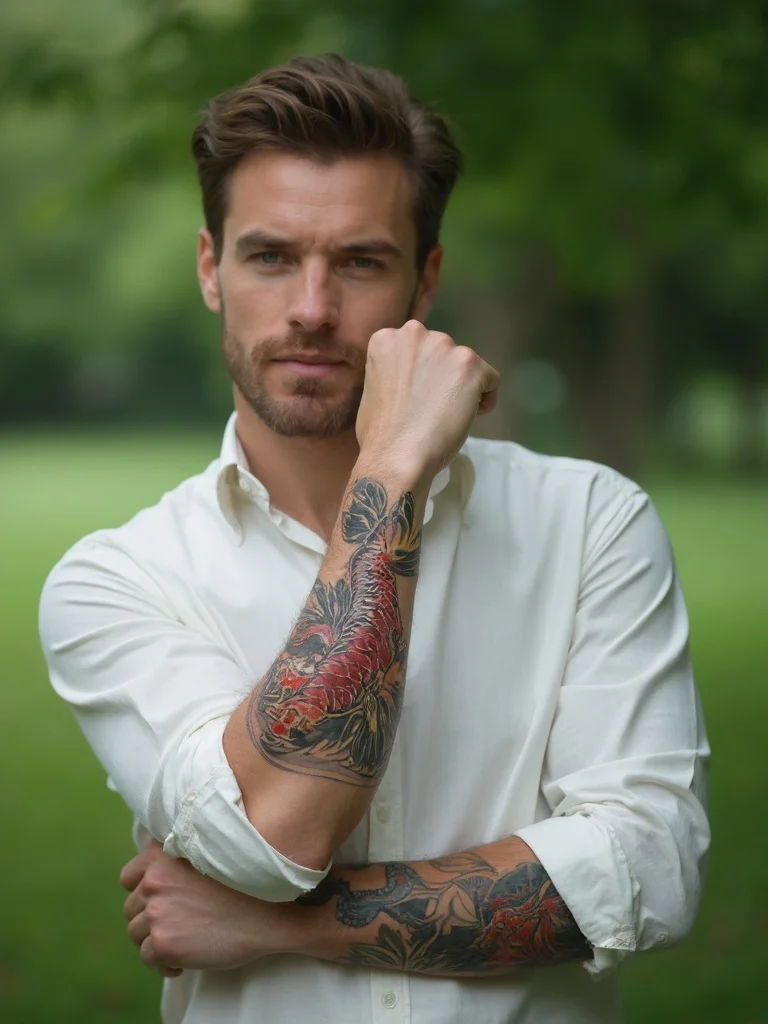
How to create AI Tattoo Generator From Photo with Banana AI
- 1
Upload your photo
Upload a clear photo showing the body area where you want the tattoo placed.
- 2
Describe your design
Tell the AI what tattoo you want. Include the style, size, placement, and any design details.
- 3
Preview and decide
Download your tattoo preview photos and share them with your artist or keep exploring ideas.
Best input photos: Upload a clear, well-lit photo of the body area where you want the tattoo. Avoid heavily shadowed or blurry images for the best preview accuracy.
Prompt ideas for tattoo previews
Copy a prompt, upload your photo in Banana AI and pick Nano Banana 2. Change the age, outfit or background words to match yourself.
young woman in her mid-20s, off-shoulder top, delicate fine-line floral tattoo wrapping around upper arm and shoulder, studio white background, soft even lighting, confident relaxed expression, sharp focus, photorealistic, professional photography
young man in his mid-20s, shirtless upper body, bold blackwork geometric tattoo covering full upper arm and shoulder, studio white background, dramatic overhead lighting, serious focused expression, sharp focus, photorealistic, professional photography
woman in her 30s, fitted tank top, detailed watercolor hummingbird tattoo on forearm, outdoor garden setting, warm natural daylight, blurred floral background, soft smiling expression, sharp focus, photorealistic, professional photography
man in his 30s, rolled-up sleeve revealing forearm, detailed Japanese koi fish tattoo in color on forearm, outdoor park setting, soft natural daylight, blurred green background, relaxed confident expression, sharp focus, photorealistic, professional photography
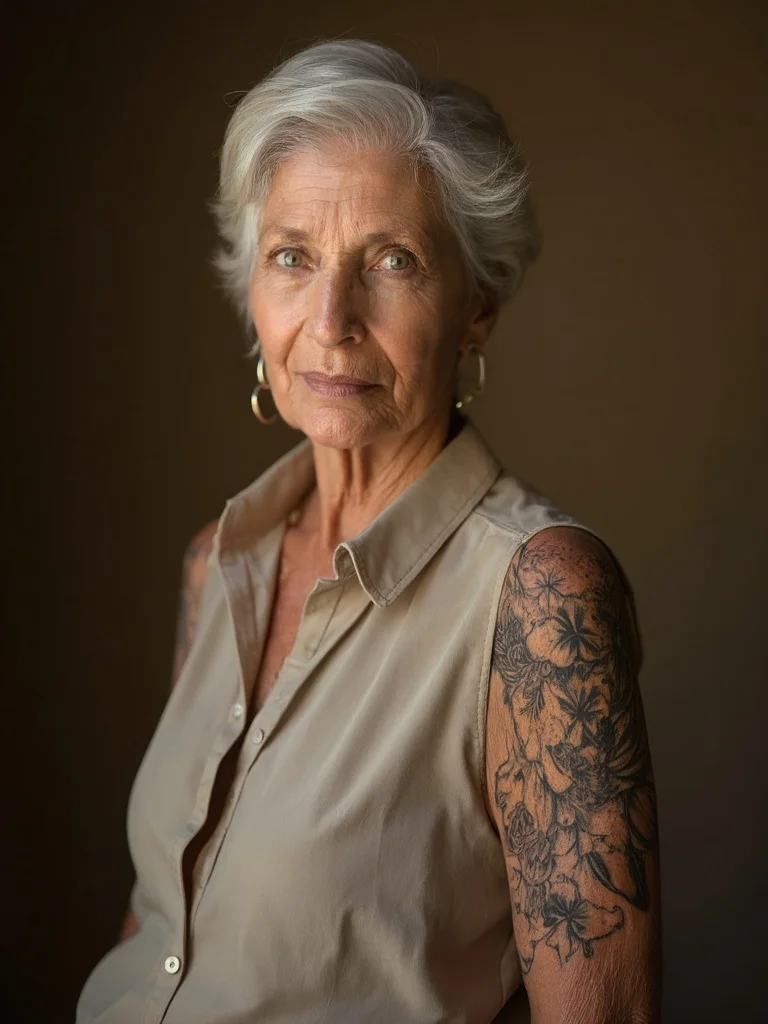
older woman in her 50s, sleeveless blouse, elegant blackwork botanical tattoo on upper arm, warm indoor studio light, neutral warm background, composed poised expression, sharp focus, photorealistic, professional photography
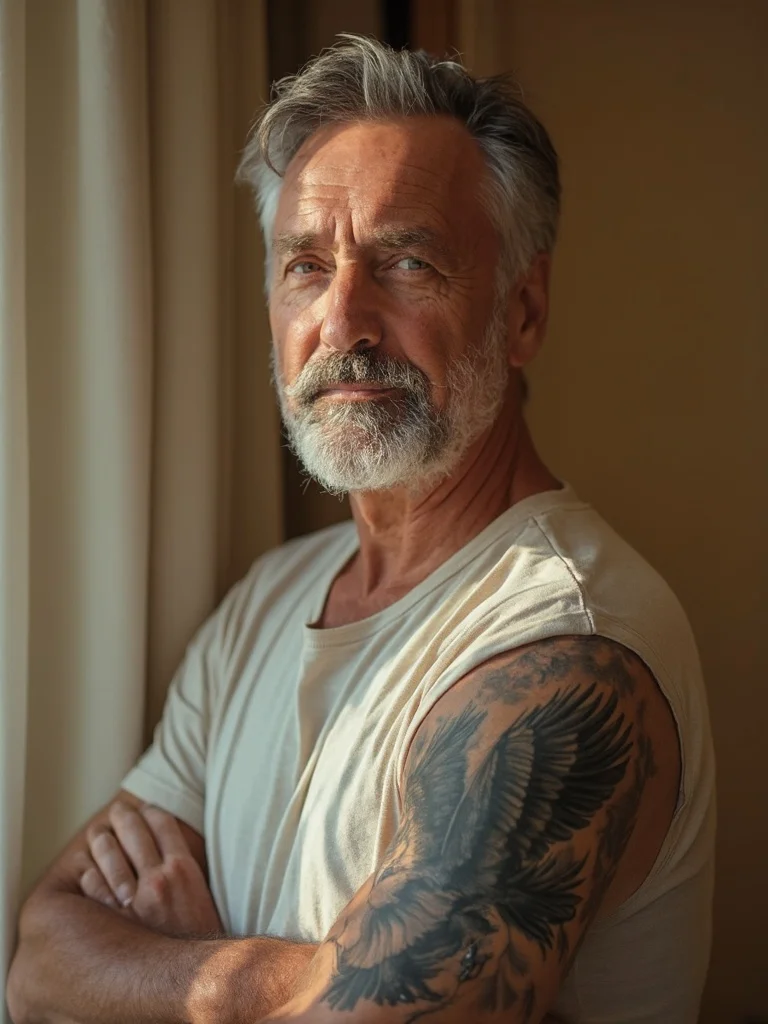
older man in his 50s, short-sleeved shirt, traditional American eagle tattoo on upper arm, warm indoor light, neutral beige background, composed dignified expression, sharp focus, photorealistic, professional photography
Try before you commit
See exactly how a tattoo design, size, and placement will look on your actual body before booking an appointment.
Explore any style
Test blackwork, fine line, traditional, watercolor, geometric, and more on the same body area in minutes.
Compare placements
Not sure if a design works better on your forearm or upper arm? Generate both and compare side by side.
Better artist conversations
Bring your AI-generated previews to your tattoo consultation so your artist understands exactly what you have in mind.
AI Tattoo Generator From Photo: questions and answers
How does the AI tattoo generator from photo work? +
You upload a clear photo of the body area you want tattooed, then describe the design you have in mind. The AI places a realistic-looking tattoo onto your photo so you can see how it will look on your skin.
Can I test different tattoo placements on the same photo? +
Yes. You can run multiple generations with different placements described in your prompt, such as inner wrist, forearm, upper arm, or collarbone, and compare the results.
What tattoo styles can I preview? +
You can preview virtually any style by describing it in your prompt. Common styles include blackwork, fine line, traditional American, Japanese, geometric, realism, watercolor, and script.
Can I share the preview image with my tattoo artist? +
Absolutely. Downloading and sharing your generated preview with a tattoo artist is one of the most practical uses. It gives them a clear starting point for the consultation.
Does the size of the tattoo in the preview affect how accurate it looks? +
Larger designs on clear, well-lit photos tend to produce the most realistic previews. Close-up photos of the placement area work better than full-body shots.
Questions about plans, credits or billing? See the Banana AI FAQ or pricing.
See Your Tattoo Before It's Permanent
More styles you might like
AI Instagram Photo Generator
Create a week of Instagram content in 10 minutes. Any location, any style, no photographer.
AI Yearbook Photo Generator
See yourself in a classic 90s yearbook photo or any decade. Goes viral every time.
Dark Academia Aesthetic AI Photo Generator
Moody, literary portrait photos in the dark academia aesthetic. No photoshoot required.